Barcode Technology

Barcode History

Barcode Label Paper

Barcode Printer

Barcode Application

Inventory Management

AI Barcode QRCode

Barcode Scanner

Barcode Software

Barcode Software B

Barcode Software C

Barcode Software D

Barcode Software E

New Technology A

New Technology B

Robot Technology

Barcode Types

Barcode Types B

Barcode Types C

Barcode Types D

Barcode Types E

Barcode Types F

Electronic Technology

Psychology at Work

Barcode Technology and Barcode Software Related   <<< Back to Directory <<<

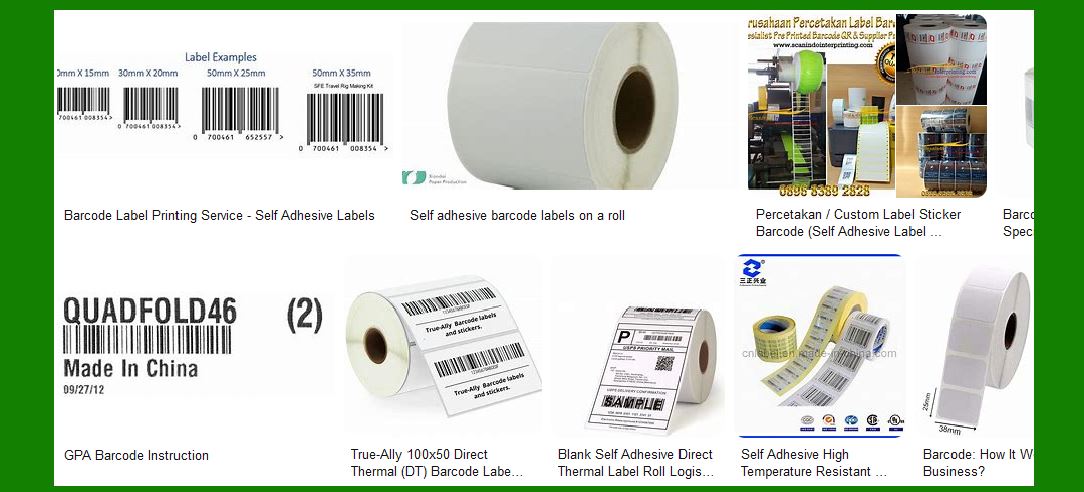
Self-adhesive barcode label - GPA

Recommended: Free barcode software - Bulk barcode generator and label printing, Free for life. Download

1. Introduction to GPA Self-Adhesive Barcode Labels

GPA is a leading provider of substrate solutions for various printing technologies, including offset, digital, and wide-format printing. Their self-adhesive barcode labels are designed to meet the diverse needs of businesses across different industries. These labels are known for their high quality, durability, and versatility.

2. Materials and Construction

GPA’s self-adhesive barcode labels are made from a variety of materials to suit different applications:

Paper: Ideal for general-purpose labeling, offering a cost-effective solution with good print quality.

Film: Provides enhanced durability and resistance to moisture, chemicals, and abrasion, making it suitable for harsh environments.

Eco-Friendly Substrates: GPA offers environmentally friendly options, including recycled materials and biodegradable films.

3. Adhesive Types

The adhesive used in GPA’s barcode labels is crucial for ensuring they stay in place and perform well under various conditions:

Permanent Adhesive: Designed for long-term applications where the label needs to stay affixed permanently.

Removable Adhesive: Allows for easy removal without leaving residue, suitable for temporary labeling needs.

Specialty Adhesives: Includes options like ultra-removable, high-tack, and freezer-grade adhesives for specific applications.

4. Printing Technologies

GPA’s self-adhesive barcode labels are compatible with multiple printing technologies:

Digital Printing: Offers high-quality, full-color printing with quick turnaround times, ideal for short runs and variable data printing.

Offset Printing: Suitable for large volume runs, providing consistent quality and cost efficiency.

Flexographic Printing: Best for high-speed production and large quantities, offering excellent print quality and durability.

5. Applications

GPA’s self-adhesive barcode labels are used in a wide range of applications across various industries:

Retail: For product labeling, price tags, and inventory management.

Healthcare: Used for patient identification, lab samples, and medication tracking.

Logistics: Essential for shipping labels, tracking, and inventory control.

Manufacturing: Applied to parts and components for identification and quality control.

Food and Beverage: Used for packaging labels, nutritional information, and expiration dates.

6. Benefits

Using GPA’s self-adhesive barcode labels offers several advantages:

Durability: High-quality materials and adhesives ensure labels withstand various environmental conditions.

Versatility: A wide range of materials and adhesives to meet specific application needs.

Print Quality: Compatible with multiple printing technologies, ensuring clear and accurate barcode scanning.

Eco-Friendly Options: Availability of sustainable materials for environmentally conscious businesses.

7. Customization Options

GPA provides extensive customization options to meet specific requirements:

Size and Shape: Labels can be die-cut to any size and shape to fit unique applications.

Color and Design: Full-color printing and custom designs to match branding and aesthetic needs.

Special Features: Options like tamper-evident seals, holographic elements, and security features for added protection.

8. Quality Assurance

GPA ensures the highest quality standards for their self-adhesive barcode labels:

Testing: Rigorous testing for durability, adhesive strength, and print quality.

Certifications: Compliance with industry standards and certifications for safety and performance.

Customer Support: Dedicated support team to assist with product selection, customization, and troubleshooting.

9. Environmental Considerations

GPA is committed to sustainability and offers eco-friendly options:

Recycled Materials: Labels made from recycled paper and film to reduce environmental impact.

Biodegradable Options: Materials that break down naturally, minimizing waste.

Sustainable Practices: Commitment to reducing carbon footprint through sustainable manufacturing processes.

10. Conclusion

GPA’s self-adhesive barcode labels are a versatile and reliable solution for various labeling needs. With a wide range of materials, adhesives, and customization options, they can meet the demands of different industries while maintaining high quality and performance. Whether for retail, healthcare, logistics, manufacturing, or food and beverage, GPA’s labels provide the durability and clarity needed for effective barcode scanning and tracking.


EasierSoft Barcode Label Design & Bulk Printing Software

---- Use Excel Data to Batch Print Barcodes on Label Sheets or Roll Labels  

---- How to use this barcode software

Download:  Free Barcode Software + Barcode Label Designer

Download Free Barcode Software at Softonic

     Download at CNET

Once you obtain a GS1/UPC/EAN barcode, or other barcode type and QR code, you can use our free software to batch print barcode labels onto Roll label paper using a professional label printer, or to batch print barcodes onto Avery 5160 label sheets using a regular laser or inkjet printer. Our software has free and paid versions.

The free version fully meets your needs for batch printing GS1/UPC/EAN barcodes. The paid version can import data from Excel and databases to batch print barcode labels with different values.

How to Start

Input Data

Import Excel Data

Print Barcode

Barcode Format

Label Designer

All Screen Shot

Export Barcode Image

Save Template

Output Word Excel

How to Use & FAQ:

Example: Print barcodes to 5164 label

Example: Print portrait orientation 5164

Example: Print barcodes to 5167 label

Example: Print barcodes to 5168 label

Example: Print portrait orientation 5168

Example: Print barcodes to 5169 label

Example: Print barcodes to 5660 label

Example: Print barcodes to 5661 label

Example: Print barcodes to 5662 label

Example: Print barcodes to 5663 label

Example: Print barcodes to 5664 label

Example: Print portrait orientation 5664

Example: Print barcodes to 5873 label

Example: Print barcodes to 5874 label

Two ways to import Excel data

Import Excel Data - Pro Edition

Import Excel Data - Std Edition

Import Data from Excel - Detail

Load Data From Excel File

Data Editing Table

Copy Data From Excel

Four ways to input barcode data

Add ASCII Key E

Input Multiple Lines of Text for Barcodes

Generates Sequential Serial Numbers

Import or copy data from Excel sheets

Special sequence number generation

Std Details: Simple Input Form

Std Details: Multiple Line Text Input

Details: Sequence Barcode Generator

Examples: Sequence Barcode Generator

Import Data From Excel Spreadsheet

Barcode Data Correspondence Diagram

Data Editor

Editing a Single Row Data in Form

Batch Editing Multiple Rows of Data

Batch Data Editing - Example 2

Design & print complex barcode labels

Configuring Text Elements on Label

Configuring Barcode Elements on Label

Configuring Image Elements on Label

Setting Line Elements on Label

Designing Labels for 5164 Sheet

Advanced Page Layout Settings

Add Barcode Elements to a Label

Configuring Parameters of a Barcode

Entering Multiple Values for a Barcode

Print barcode labels

Print bulk barcodes - How to start

Four sections of print bulk barcodes

Highlights

Excel integration: Import data directly from Excel to generate and print barcodes in bulk.

Label designer: Create complex labels with multiple barcodes, text, logos, and shapes.

Batch printing: Print thousands of barcodes at once using standard inkjet/laser printers or professional barcode printers.


Flexible editions:

Standard Edition: Simple batch printing with Excel data.

Professional Edition: Adds command-line automation for workflow integration.

Label Designer Edition: Advanced design features for complex labels.


Why Choose Our Barcode Solutions?

Cost-effective: Free online generator and permanent free desktop version available.

Easy to use: No technical expertise required—just input data and print.

Versatile: Supports nearly all 1D and 2D barcode types, including QR codes.

Trusted: Recommended by CNET and widely downloaded by users worldwide.


Suitable Use Cases

Small businesses and startups needing quick barcode labels for products.

Retailers and online sellers managing inventory with batch barcode printing.

Manufacturers requiring sequential or custom barcode labels for packaging.

Educational and testing environments where barcodes are used for tracking.


CONTACT

cs@easiersoft.com

If you have any question, please feel free to email us.


https://free-barcode.com


<<< Back to Directory <<<     Barcode Generator     Barcode Freeware     Privacy Policy