Barcode Technology

Barcode History

Barcode Label Paper

Barcode Printer

Barcode Application

Inventory Management

AI Barcode QRCode

Barcode Scanner

Barcode Software

Barcode Software B

Barcode Software C

Barcode Software D

Barcode Software E

New Technology A

New Technology B

Robot Technology

Barcode Types

Barcode Types B

Barcode Types C

Barcode Types D

Barcode Types E

Barcode Types F

Electronic Technology

Psychology at Work

Barcode Technology and Barcode Software Related   <<< Back to Directory <<<

About QR Code

Recommended: Free barcode software - Bulk barcode generator and label printing, Free for life. Download

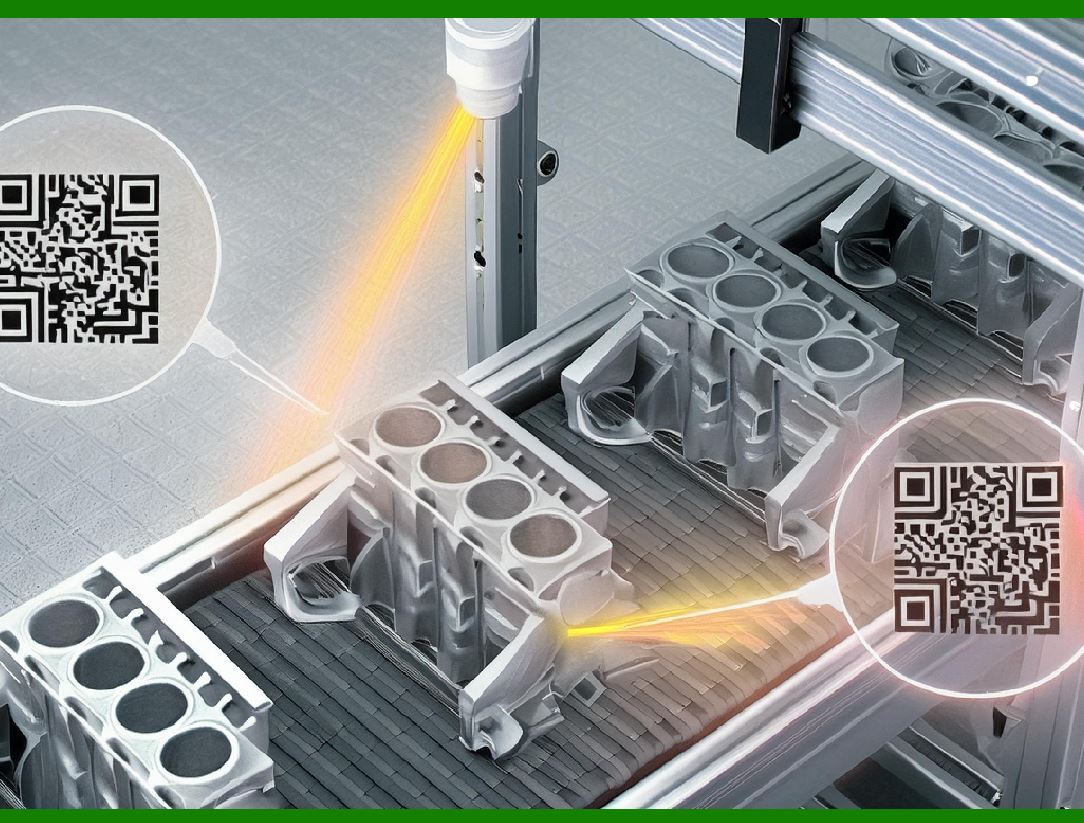
A QR (Quick Response) code is a type of two-dimensional barcode that can store a variety of data, including URLs, text, and other information. Developed by the Japanese company Denso Wave in 1994, QR codes have become popular due to their versatility and ease of use.

It features black squares on a white background with fiducial markers, readable by imaging devices like cameras, and processed using Reed-Solomon error correction until the image can be appropriately interpreted. The required data are then extracted from patterns that are present in both the horizontal and the vertical components of the QR image.

To efficiently store data, QR codes use four standardized modes of encoding: (i) numeric, (ii) alphanumeric, (iii) byte or binary, and (iv) kanji.[4] Compared to standard UPC barcodes, the QR labelling system was applied beyond the automobile industry because of faster reading of the optical image and greater data-storage capacity in applications such as product tracking, item identification, time tracking, document management, and general marketing.

Here's a detailed breakdown:

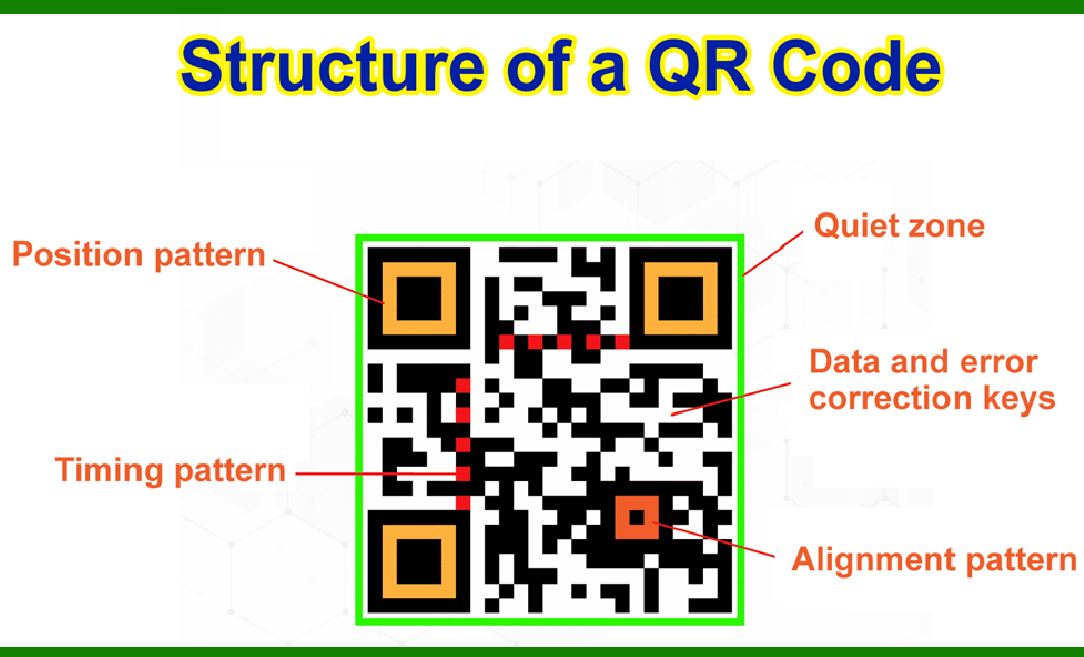
Structure of a QR Code

1.Modules (Pixels):

QR codes are made up of small black and white squares called modules. The arrangement of these modules encodes the data.

2.Data Area:

This is the main part of the QR code where the actual information is stored in a binary format.

3.Positioning Markers:

Three large squares located in three corners of the QR code help the scanner identify the orientation and angle of the QR code.

4.Alignment Markers:

Smaller squares throughout the code that help in aligning the code if it is distorted.

5.Timing Patterns:

Alternating black and white modules used to determine the density of the data and help in locating the data and alignment patterns.

6.Version Information:

Indicates the version of the QR code (from 1 to 40), which determines the size and data capacity.

7.Format Information:

Contains error correction level and mask pattern information.

Data Encoding

Numeric Mode:

Can store up to 7,089 characters (digits 0-9).

Alphanumeric Mode:

Can store up to 4,296 characters (digits 0-9, uppercase letters A-Z, and nine other characters: space, $, %, *, +, -, ., /, :).

Binary Mode:

Can store up to 2,953 bytes (8-bit binary data).

Kanji Mode:

Specifically designed to store Japanese Kanji characters, up to 1,817 characters.

Error Correction

QR codes use Reed-Solomon error correction, which allows the code to be read even if part of it is damaged. There are four levels of error correction:

1.Level L: Recovers 7% of the data.

2.Level M: Recovers 15% of the data.

3.Level Q: Recovers 25% of the data.

4.Level H: Recovers 30% of the data.

Applications

URL Linking: Directly linking to websites or online content.

Contact Information: Storing contact details like VCards.

Payment Systems: Mobile payments using services like Alipay and WeChat Pay.

Authentication: Two-factor authentication in online security.

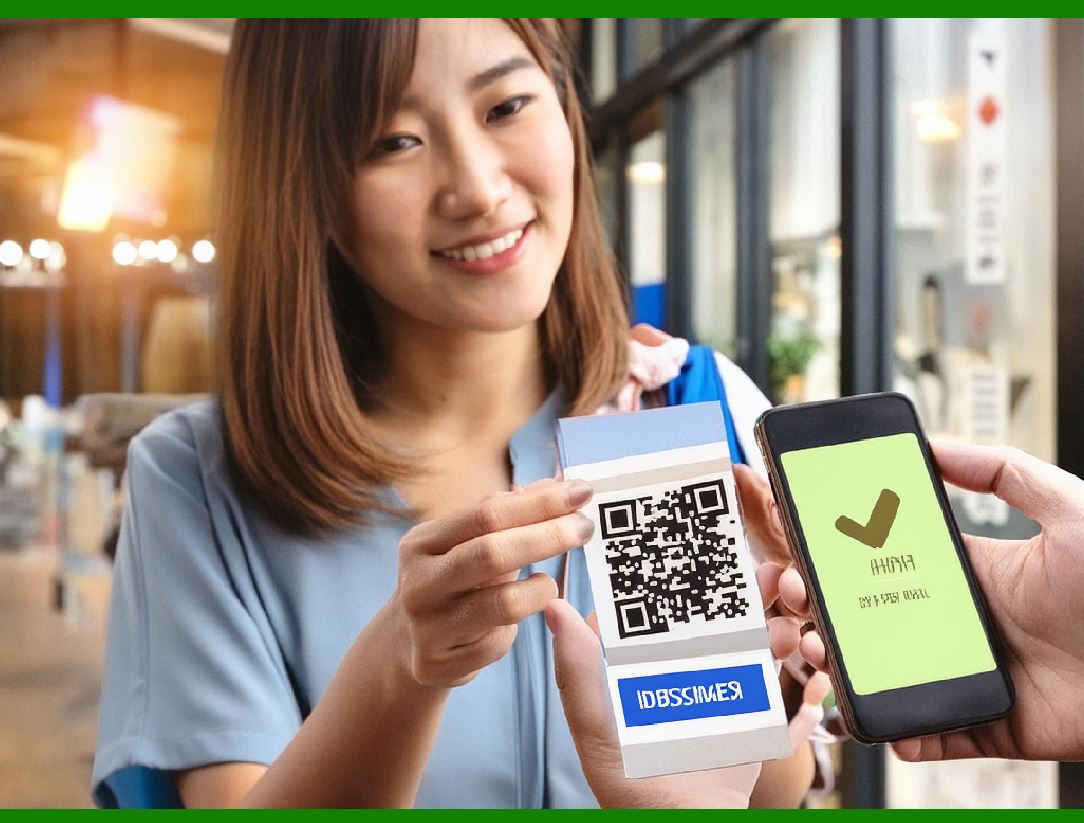
Event Ticketing: Digital tickets for events and transportation.

Advertising: Marketing campaigns and product information.

Scanning and Creation

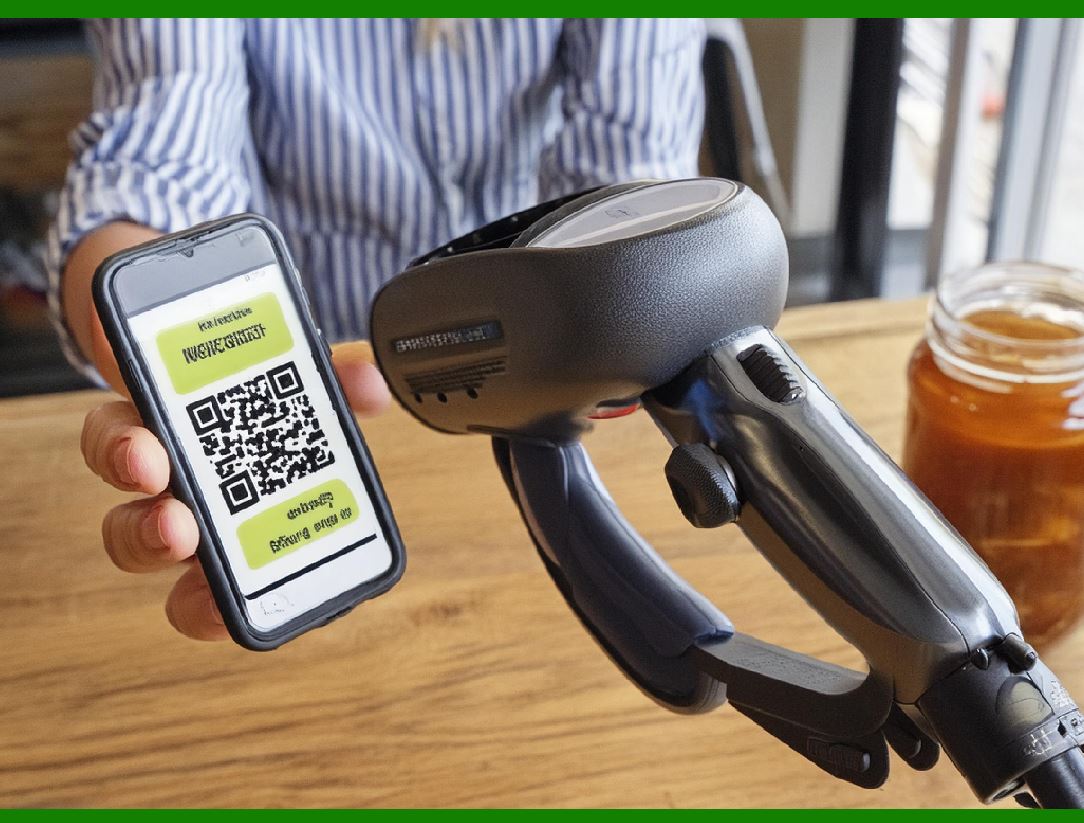
Scanning: QR codes can be scanned using a variety of devices, including smartphones and dedicated QR code readers. Most modern smartphones have built-in QR code scanning capabilities within their cameras or via dedicated apps.

Creation: There are many online tools and software available for generating QR codes. Users can specify the type of data they want to encode, and the tool will produce a QR code image.

Advantages

High Capacity: Can store a large amount of data compared to traditional barcodes.

Error Tolerance: Can still be read if partially damaged.

Fast Scanning: Quickly readable by devices, even at different angles.

Versatility: Can store various types of data, including text, URLs, and binary data.

Limitations

Space Requirement: QR codes can become large and complex when storing more data, making them difficult to scan.

Aesthetic Disruption: The appearance of QR codes can be intrusive on marketing materials.

Conclusion

QR codes are a powerful tool for encoding and sharing information quickly and efficiently. Their versatility and ease of use have led to widespread adoption in various industries, from marketing to security to retail. As technology continues to evolve, the use of QR codes is likely to expand further, incorporating more advanced features and applications.


EasierSoft Barcode Label Design & Bulk Printing Software

---- Use Excel Data to Batch Print Barcodes on Label Sheets or Roll Labels  

---- How to use this barcode software

Download:  Free Barcode Software + Barcode Label Designer

Download Free Barcode Software at Softonic

     Download at CNET

Once you obtain a GS1/UPC/EAN barcode, or other barcode type and QR code, you can use our free software to batch print barcode labels onto Roll label paper using a professional label printer, or to batch print barcodes onto Avery 5160 label sheets using a regular laser or inkjet printer. Our software has free and paid versions.

The free version fully meets your needs for batch printing GS1/UPC/EAN barcodes. The paid version can import data from Excel and databases to batch print barcode labels with different values.

How to Start

Input Data

Import Excel Data

Print Barcode

Barcode Format

Label Designer

All Screen Shot

Export Barcode Image

Save Template

Output Word Excel

How to Use & FAQ:

Example: Print barcodes to 5167 label

Example: Print barcodes to 5168 label

Example: Print portrait orientation 5168

Example: Print barcodes to 5169 label

Example: Print barcodes to 5660 label

Example: Print barcodes to 5661 label

Example: Print barcodes to 5662 label

Example: Print barcodes to 5663 label

Example: Print barcodes to 5664 label

Example: Print portrait orientation 5664

Example: Print barcodes to 5873 label

Example: Print barcodes to 5874 label

Two ways to import Excel data

Import Excel Data - Pro Edition

Import Excel Data - Std Edition

Import Data from Excel - Detail

Load Data From Excel File

Data Editing Table

Copy Data From Excel

Four ways to input barcode data

Add ASCII Key E

Input Multiple Lines of Text for Barcodes

Generates Sequential Serial Numbers

Import or copy data from Excel sheets

Special sequence number generation

Std Details: Simple Input Form

Std Details: Multiple Line Text Input

Details: Sequence Barcode Generator

Examples: Sequence Barcode Generator

Import Data From Excel Spreadsheet

Barcode Data Correspondence Diagram

Data Editor

Editing a Single Row Data in Form

Batch Editing Multiple Rows of Data

Batch Data Editing - Example 2

Design & print complex barcode labels

Configuring Text Elements on Label

Configuring Barcode Elements on Label

Configuring Image Elements on Label

Setting Line Elements on Label

Designing Labels for 5164 Sheet

Advanced Page Layout Settings

Add Barcode Elements to a Label

Configuring Parameters of a Barcode

Entering Multiple Values for a Barcode

Print barcode labels

Print bulk barcodes - How to start

Four sections of print bulk barcodes

Barcode Filter & Repeat Print Quantity

Print on part of the page

Highlights

Excel integration: Import data directly from Excel to generate and print barcodes in bulk.

Label designer: Create complex labels with multiple barcodes, text, logos, and shapes.

Batch printing: Print thousands of barcodes at once using standard inkjet/laser printers or professional barcode printers.


Flexible editions:

Standard Edition: Simple batch printing with Excel data.

Professional Edition: Adds command-line automation for workflow integration.

Label Designer Edition: Advanced design features for complex labels.


Why Choose Our Barcode Solutions?

Cost-effective: Free online generator and permanent free desktop version available.

Easy to use: No technical expertise required—just input data and print.

Versatile: Supports nearly all 1D and 2D barcode types, including QR codes.

Trusted: Recommended by CNET and widely downloaded by users worldwide.


Suitable Use Cases

Small businesses and startups needing quick barcode labels for products.

Retailers and online sellers managing inventory with batch barcode printing.

Manufacturers requiring sequential or custom barcode labels for packaging.

Educational and testing environments where barcodes are used for tracking.


CONTACT

cs@easiersoft.com

If you have any question, please feel free to email us.


https://free-barcode.com


<<< Back to Directory <<<     Barcode Generator     Barcode Freeware     Privacy Policy