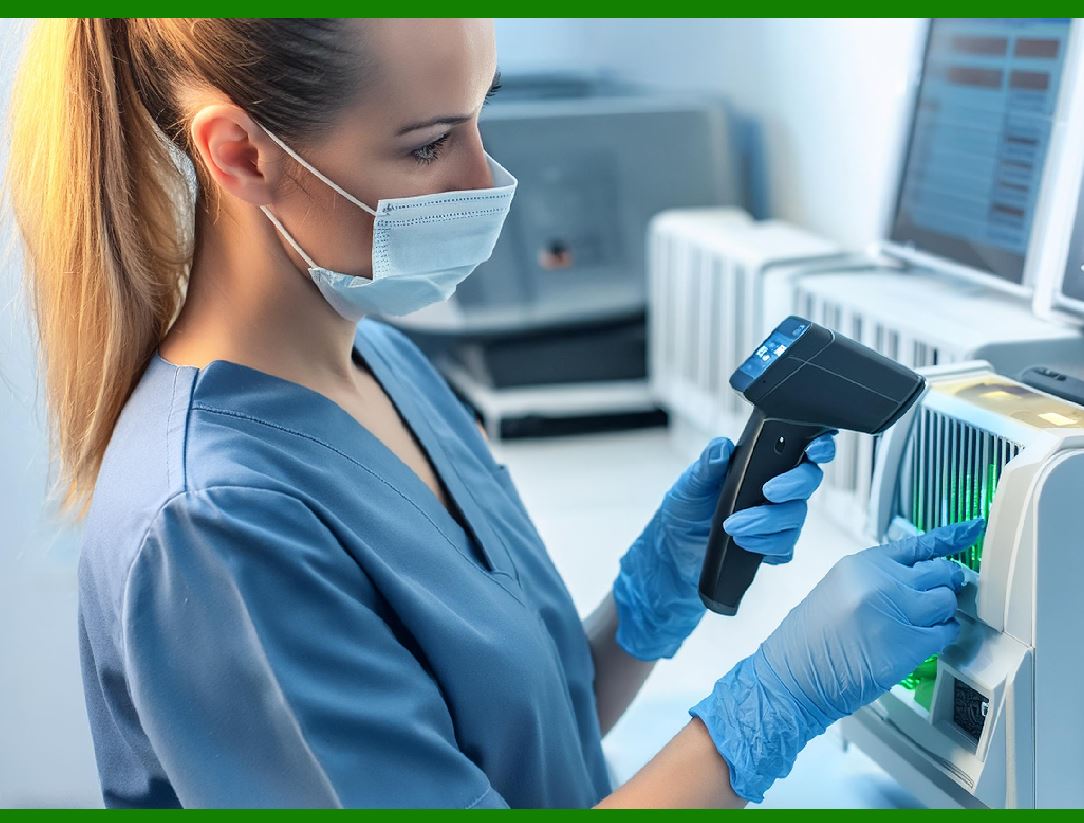
Barcoding has been a staple in tracking, inventory management, and data encoding for decades. However, with advancements in technology and evolving requirements in various industries, alternative solutions to barcoding have emerged. These alternatives offer various benefits, such as enhanced data capacity, better security, and improved efficiency. Below are some notable alternatives to barcoding: |
|
1. Radio Frequency Identification (RFID) |
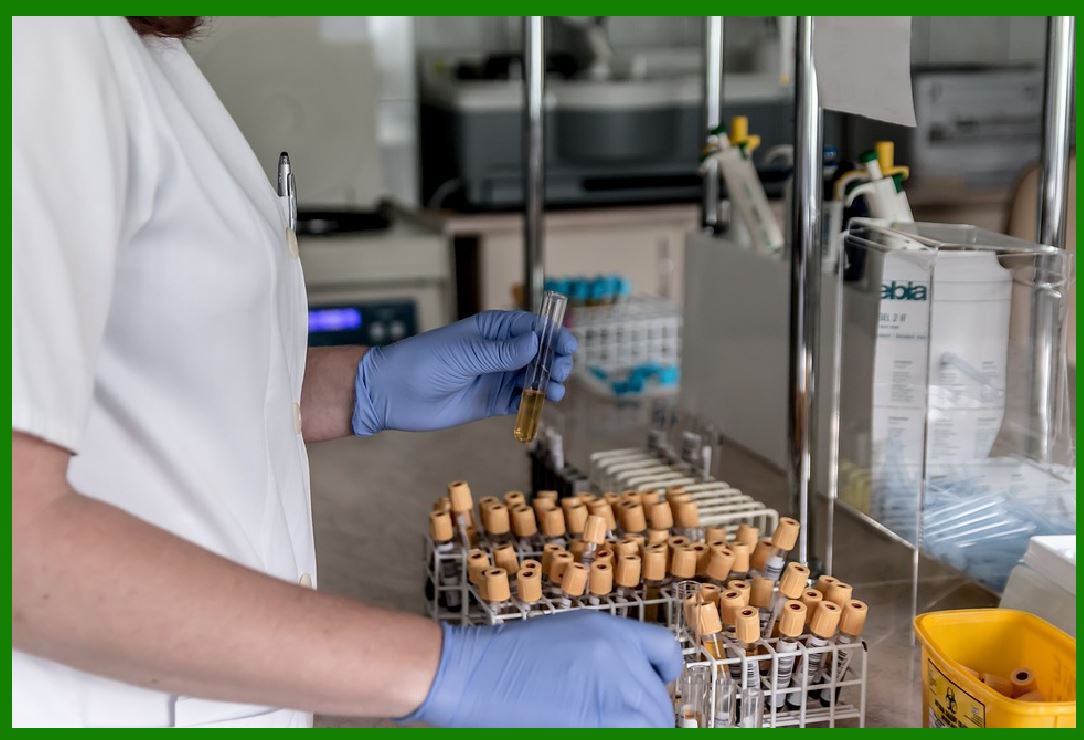
RFID technology uses electromagnetic fields to automatically identify and track tags attached to objects. Unlike barcodes, RFID does not require a line of sight to be read, which makes it more versatile in various environments. |
1.1 Components of RFID |
An RFID system typically consists of three components: RFID Tags: These are the transponders that store data. They can be either passive (without an internal power source) or active (with a battery). RFID Readers: Devices that emit radio waves and receive signals back from the RFID tags. Antenna: This is part of the reader that transmits and receives signals. |
1.2 Advantages of RFID |
Non-Line-of-Sight Reading: RFID tags can be read through various materials like cardboard, plastic, and wood. Read/Write Capability: Data on RFID tags can be updated, allowing for dynamic data management. Multiple Tag Reading: RFID readers can scan multiple tags simultaneously, increasing efficiency. |
1.3 Applications of RFID |
Retail: Inventory management and loss prevention. Logistics: Tracking shipments and managing warehouse operations. Healthcare: Patient tracking and equipment management. Access Control: Security systems in buildings and restricted areas. |
|
2. Near Field Communication (NFC) |
NFC is a set of communication protocols that enable two electronic devices to establish communication by bringing them within 4 cm of each other. It is an extension of RFID with a focus on short-range communication. |
2.1 Components of NFC |
NFC Tags: Small microchips that can store data and are powered by the NFC reader. NFC Readers: Devices, often integrated into smartphones and other mobile devices, that read the data from NFC tags. |
2.2 Advantages of NFC |
Ease of Use: Simple tap to connect and exchange information. Security: Short range makes it difficult for unauthorized interception. Versatility: Used for payments, data sharing, and access control. |
2.3 Applications of NFC |
Mobile Payments: Contactless payments via smartphones and smartwatches. Public Transport: Ticketing and access to transportation services. Marketing: Interactive posters and smart business cards. Healthcare: Patient monitoring and medical equipment tracking. |
|
3. Bluetooth Low Energy (BLE) Beacons |
BLE beacons are devices that broadcast signals at regular intervals to nearby Bluetooth-enabled devices. They are often used for proximity-based applications. |
3.1 Components of BLE Beacons |
Beacons: Small, battery-powered devices that emit BLE signals. Bluetooth Devices: Smartphones, tablets, and other gadgets that can receive BLE signals. |
3.2 Advantages of BLE Beacons |
Low Power Consumption: Designed to operate for long periods on a small battery. Range: Effective range from a few centimeters to around 70 meters. Contextual Information: Capable of providing location-specific data and services. |
3.3 Applications of BLE Beacons |
Retail: Targeted advertisements and customer assistance. Museums and Exhibits: Interactive guides and information. Asset Tracking: Monitoring equipment and inventory within facilities. Smart Buildings: Automation and control of lighting, heating, and other systems. |

|
4. Optical Character Recognition (OCR) |
OCR technology converts different types of documents, such as scanned paper documents, PDFs, or images captured by a digital camera, into editable and searchable data. |
4.1 Components of OCR |
Scanners/Cameras: Devices to capture images of the text. OCR Software: Algorithms and programs that recognize and convert text images into digital text. |
4.2 Advantages of OCR |
Data Entry Automation: Reduces the need for manual data entry. Searchable Text: Converts scanned documents into searchable and editable files. Compatibility: Works with a variety of document types and formats. |
4.3 Applications of OCR |
Document Management: Digitizing and organizing paper documents. Banking: Check processing and form reading. Legal: Digitizing court documents and case files. Healthcare: Converting patient records and prescriptions into digital formats. |
|
5. Machine Vision Systems |
Machine vision involves the use of digital input/output devices and computer networks to capture and analyze visual information. It is widely used in industrial automation and inspection. |
5.1 Components of Machine Vision Systems |
Cameras: Capture high-resolution images of objects. Lighting: Proper illumination to enhance image quality. Processing Unit: Computers or specialized processors to analyze image data. Software: Algorithms for image processing and pattern recognition. |
5.2 Advantages of Machine Vision Systems |
High Accuracy: Capable of detecting minute defects and variations. Speed: Processes images quickly for real-time decision making. Non-Contact: Inspects products without physical contact, reducing wear and tear. |
5.3 Applications of Machine Vision Systems |
Manufacturing: Quality control and automated inspection. Agriculture: Sorting and grading of produce. Medical: Analyzing medical images for diagnosis. Security: Facial recognition and surveillance. |
|
6. Quick Response (QR) Codes |
While still a type of barcode, QR codes represent an evolution with increased data capacity and error correction capabilities. They are two-dimensional barcodes that can store a variety of data types. |
6.1 Components of QR Codes |
Code Generators: Software to create QR codes from data. Code Readers: Devices, typically smartphones, that scan and decode the QR codes. |
6.2 Advantages of QR Codes |
Data Capacity: Can hold significantly more information than traditional barcodes. Error Correction: Data can be restored even if the code is partially damaged. Versatility: Can store URLs, contact information, text, and more. |
6.3 Applications of QR Codes |
Marketing: Linking to websites, promotions, and social media. Payments: Mobile payment systems and online transactions. Inventory Management: Tracking products and assets. Healthcare: Storing patient information and medical history. |

|
7. Data Matrix Codes |
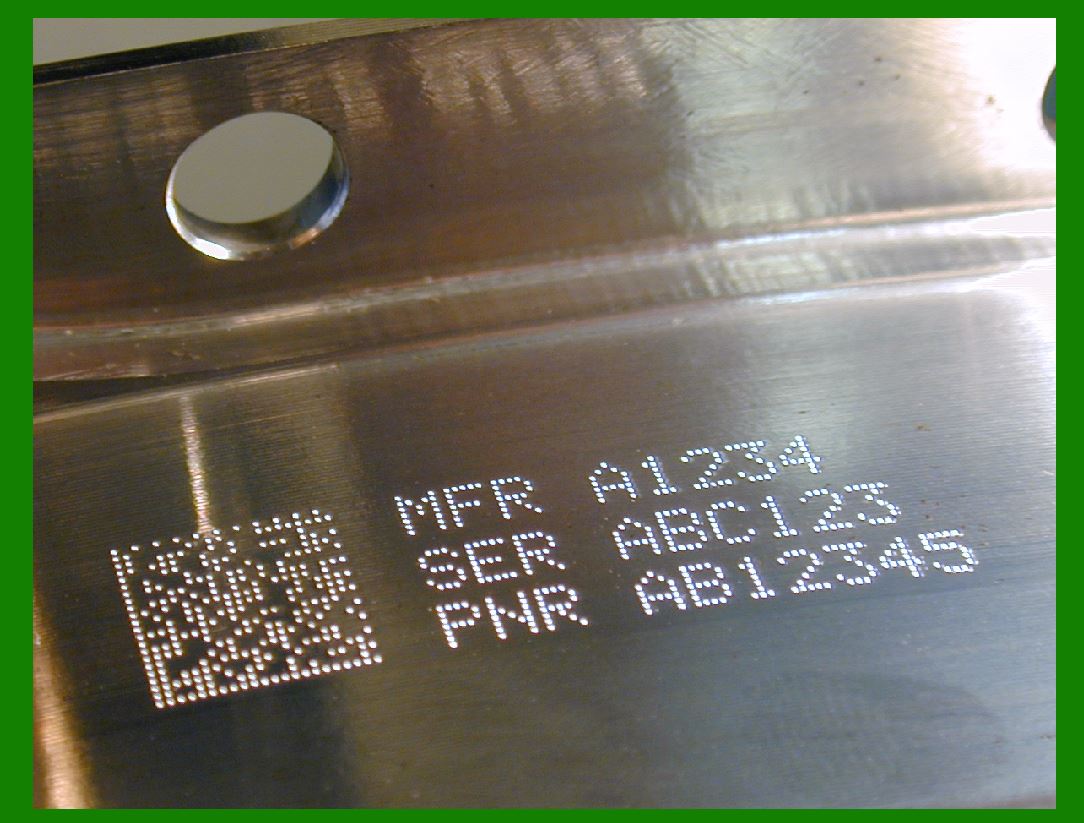
Data Matrix codes are two-dimensional barcodes that can encode large amounts of data in a small area. They are especially useful for marking small items and components. |
7.1 Components of Data Matrix Codes |
Code Generators: Software for encoding data into Data Matrix format. Code Readers: Scanners and cameras capable of decoding Data Matrix codes. |
7.2 Advantages of Data Matrix Codes |
Compact Size: Can store large amounts of data in a small space. Error Correction: High level of error correction, making them robust. Readability: Can be read from various angles and under challenging conditions. |
7.3 Applications of Data Matrix Codes |
Electronics: Marking components and circuit boards. Aerospace: Tracking parts and maintenance records. Pharmaceuticals: Ensuring traceability of medications. Logistics: Managing and tracking shipments. |

|
8. Augmented Reality (AR) |
AR involves overlaying digital information onto the physical world, typically viewed through smartphones or AR glasses. It combines real-world data with virtual elements for an enhanced user experience. |
8.1 Components of AR Systems |
Devices: Smartphones, tablets, AR glasses, or headsets. Software: AR applications and platforms for creating and viewing AR content. Sensors: Cameras, accelerometers, and gyroscopes to detect and interpret the physical environment. |
8.2 Advantages of AR |
Interactive: Engages users with real-time interaction. Informative: Provides contextual information overlaid on the real world. Versatile: Applicable in various fields, from gaming to industrial maintenance. |
8.3 Applications of AR |
Retail: Virtual fitting rooms and product demonstrations. Education: Enhanced learning experiences through interactive content. Healthcare: Surgical planning and augmented visualization during procedures. Industrial: Maintenance and repair guidance with overlaid instructions. |

|
9. Blockchain for Supply Chain Management |
Blockchain technology offers a decentralized and immutable ledger for recording transactions and tracking assets. It enhances transparency and security in supply chain management. |
9.1 Components of Blockchain Systems |
Nodes: Computers participating in the blockchain network. Ledger: Distributed record of all transactions. Smart Contracts: Self-executing contracts with the terms directly written into code. |
9.2 Advantages of Blockchain |
Transparency: All participants can see the same data, enhancing trust. Security: Data is cryptographically secured and immutable. Traceability: Detailed tracking of product history from origin to end-user. |
9.3 Applications of Blockchain in Supply Chain |
Food Safety: Tracing the origin and journey of food products. Pharmaceuticals: Preventing counterfeit drugs and ensuring authenticity. Luxury Goods: Verifying the authenticity of high-value items. Logistics: Streamlining shipping processes and reducing fraud. |
|
10. Internet of Things (IoT) |
IoT involves connecting physical devices to the internet, enabling them to collect and exchange data. It enhances automation and real-time data processing across various industries. |
10.1 Components of IoT Systems |
Sensors: Devices that collect data from the physical environment. Connectivity: Networks and communication protocols for data transmission. Data Processing: Cloud or edge computing for analyzing collected data. User Interface: Applications and dashboards for monitoring and controlling devices. |
10.2 Advantages of IoT |
Real-Time Monitoring: Immediate data collection and analysis. Automation: Automated responses and actions based on data insights. Efficiency: Improved resource management and operational efficiency. |
10.3 Applications of IoT |
Smart Homes: Automated control of lighting, heating, and security. Industrial Automation: Monitoring and optimizing production processes. Healthcare: Remote patient monitoring and management of medical devices. Transportation: Fleet management and traffic monitoring. |
|
11. DNA Barcoding |
DNA barcoding involves using a short genetic sequence from a standardized region of the genome to identify species. It is mainly used in biological research and biodiversity studies. |
11.1 Components of DNA Barcoding |
DNA Samples: Collected from organisms to be identified. PCR Amplification: Polymerase Chain Reaction (PCR) to amplify the DNA barcode region. Sequencing: Determining the nucleotide sequence of the DNA barcode. Database Comparison: Comparing the sequence against a reference database to identify the species. |
11.2 Advantages of DNA Barcoding |
Accuracy: High precision in species identification. Standardization: Use of a common region of the genome for all organisms. Broad Applicability: Can be used for a wide range of organisms, from plants to animals. |
11.3 Applications of DNA Barcoding |
Taxonomy: Identifying and classifying new species. Conservation: Monitoring biodiversity and detecting illegal wildlife trade. Food Safety: Verifying the authenticity of food products. Environmental Monitoring: Assessing ecosystem health and detecting invasive species. |

|
12. Wireless Sensor Networks (WSN) |
WSNs consist of spatially distributed autonomous sensors that monitor and record environmental conditions. These networks are widely used in industrial and environmental applications. |
12.1 Components of WSN |
Sensors: Devices that measure specific environmental parameters. Transceivers: Modules for wireless communication between sensors and the central system. Power Sources: Batteries or energy-harvesting systems for sensor nodes. Base Station: Central node that collects and processes data from sensors. |
12.2 Advantages of WSN |
Scalability: Can cover large areas with numerous sensors. Remote Monitoring: Data collection from inaccessible or hazardous locations. Flexibility: Can be deployed in various environments with minimal infrastructure. |
12.3 Applications of WSN |
Environmental Monitoring: Tracking weather conditions, pollution levels, and wildlife. Agriculture: Monitoring soil moisture, temperature, and crop health. Healthcare: Patient monitoring and management in hospitals. Industrial Automation: Monitoring machinery and infrastructure for maintenance. |
|
13. Biometric Identification |
Biometric identification uses unique physiological and behavioral characteristics to identify individuals. Common biometric modalities include fingerprints, facial recognition, iris scans, and voice recognition. |
13.1 Components of Biometric Systems |
Sensors: Devices that capture biometric data, such as fingerprint scanners or cameras. Software: Algorithms for processing and comparing biometric data. Database: Storage for biometric templates and comparison data. |
13.2 Advantages of Biometric Identification |
Security: High level of accuracy and difficulty in forging. Convenience: Quick and easy authentication process. Non-Transferable: Biometrics are unique to each individual. |
13.3 Applications of Biometric Identification |
Security: Access control to buildings, devices, and information systems. Financial Services: Secure authentication for banking and transactions. Healthcare: Patient identification and management. Law Enforcement: Identifying criminals and missing persons. |
|
14. Voice Recognition |
Voice recognition technology identifies and processes human speech to perform various tasks. It is commonly used in virtual assistants and automated customer service systems. |
14.1 Components of Voice Recognition Systems |
Microphones: Devices that capture audio input. Speech Recognition Software: Algorithms that process and interpret spoken language. Natural Language Processing (NLP): Techniques for understanding and generating human language. |
14.2 Advantages of Voice Recognition |
Hands-Free Operation: Enables control of devices without physical interaction. Accessibility: Beneficial for individuals with disabilities. Efficiency: Quick and intuitive interaction with technology. |
14.3 Applications of Voice Recognition |
Virtual Assistants: Services like Amazon Alexa, Google Assistant, and Apple Siri. Customer Service: Automated phone systems and chatbots. Smart Homes: Voice control of lighting, thermostats, and appliances. Healthcare: Transcription of medical records and voice-controlled devices. |

|
15. Holographic Data Storage |
Holographic data storage uses the principles of holography to store information at high density within photopolymeric materials. This technology promises significant advances in data storage capacity and retrieval speed. |
15.1 Components of Holographic Data Storage |
Laser: Coherent light source used to record and read data. Photopolymeric Material: Medium where holograms are recorded and stored. Beam Splitters: Devices to direct and split laser beams for recording and reading. Detectors: Sensors to read the holographic data. |
15.2 Advantages of Holographic Data Storage |
High Capacity: Potential for storing terabytes of data in a small volume. Fast Access: Quick read/write times due to parallel data retrieval. Longevity: Durable storage medium with long lifespan. |
15.3 Applications of Holographic Data Storage |
Archival Storage: Long-term data preservation. Big Data: Managing and storing large datasets. Entertainment: High-resolution media storage and playback. Scientific Research: Storing extensive experimental data and simulations. |
************* |
Conclusion |
While traditional barcoding has served various industries well, alternative solutions are emerging to meet the demands of modern technology and applications. Each alternative offers unique benefits and is suited for specific use cases, from the high precision of DNA barcoding to the interactive potential of augmented reality. As technology continues to advance, these alternatives will likely play an increasingly vital role in data management, tracking, and identification across diverse sectors. |
 cs@easiersoft.com