Detailed Explanation of the Principles and Structure of Barcode Scanner |
Part 10: Power Systems, Energy Management, and Efficiency Optimization |
1. Introduction to Power Systems in Barcode Scanners |
1.1 Importance of Power Management |
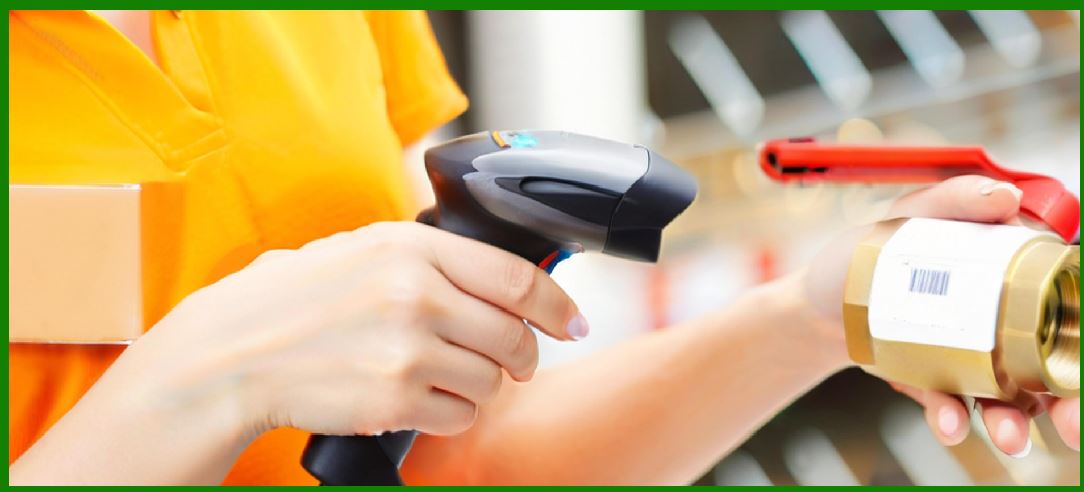
Power systems are a critical component of barcode scanners, especially for portable and wireless devices. Efficient power management ensures: |
1. Continuous operation without interruption |
2. Optimal performance of electronic and optical components |
3. Extended device lifespan |
4. Reduced operational costs |
1.2 Types of Power Configurations |
Barcode scanners typically operate under two main power configurations: |
1. Wired Power Supply |
* Powered through USB or external adapters |
2. Battery-Powered Systems |
* Used in handheld and wireless scanners |
Each configuration has unique design considerations and challenges. |
|
2. Power Supply Architectures |
2.1 Wired Power Systems |
2.1.1 USB Power Supply |
1. Provides both power and data communication |
2. Standard voltage (typically 5V) |
3. Widely used in consumer and office environments |
2.1.2 External Power Adapters |
1. Used in industrial scanners |
2. Provide stable and higher power levels |
3. Support continuous operation |
2.2 Battery-Powered Systems |
2.2.1 Importance of Battery Design |
Battery systems must balance: |
1. Capacity |
2. Weight |
3. Charging speed |
4. Safety |
2.2.2 Common Battery Types |
1. Lithium-Ion (Li-ion) |
* High energy density |
* Long lifespan |
2. Lithium-Polymer (Li-Po) |
* Flexible form factor |
* Lightweight |
3. Nickel-Metal Hydride (NiMH) (less common) |
* Lower cost |
* Reduced energy density |

|
3. Battery Management Systems (BMS) |
3.1 Functions of BMS |
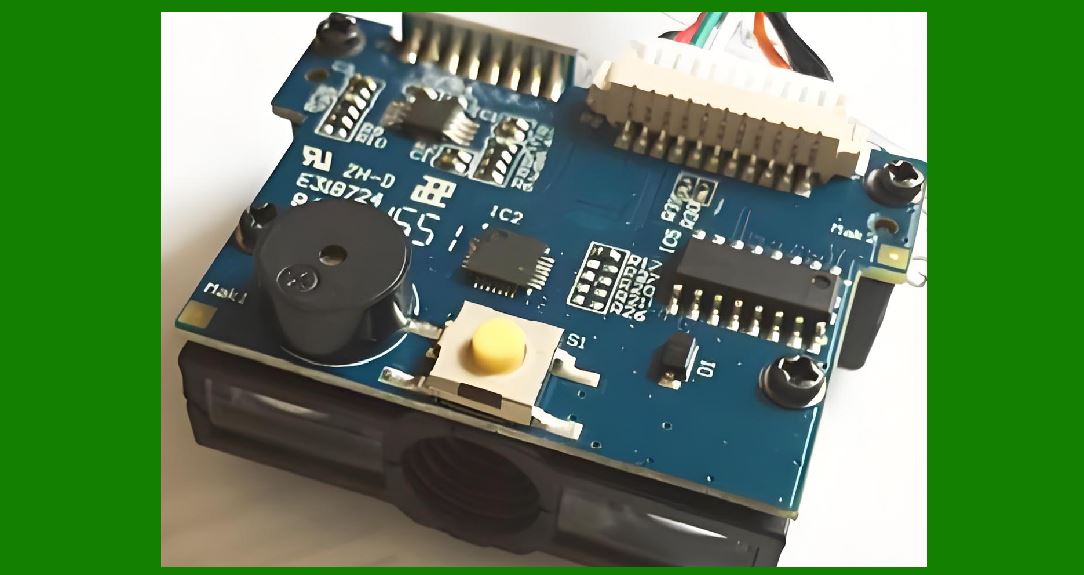
A Battery Management System ensures safe and efficient battery operation: |
1. Monitors voltage and current |
2. Prevents overcharging and over-discharging |
3. Balances cells in multi-cell batteries |
4. Protects against short circuits |
3.2 Charging Control |
1. Regulates charging current |
2. Ensures optimal charging cycles |
3. Extends battery lifespan |
3.3 Safety Mechanisms |
1. Thermal protection |
2. Overcurrent protection |
3. Voltage regulation |
|
4. Power Consumption in Barcode Scanners |
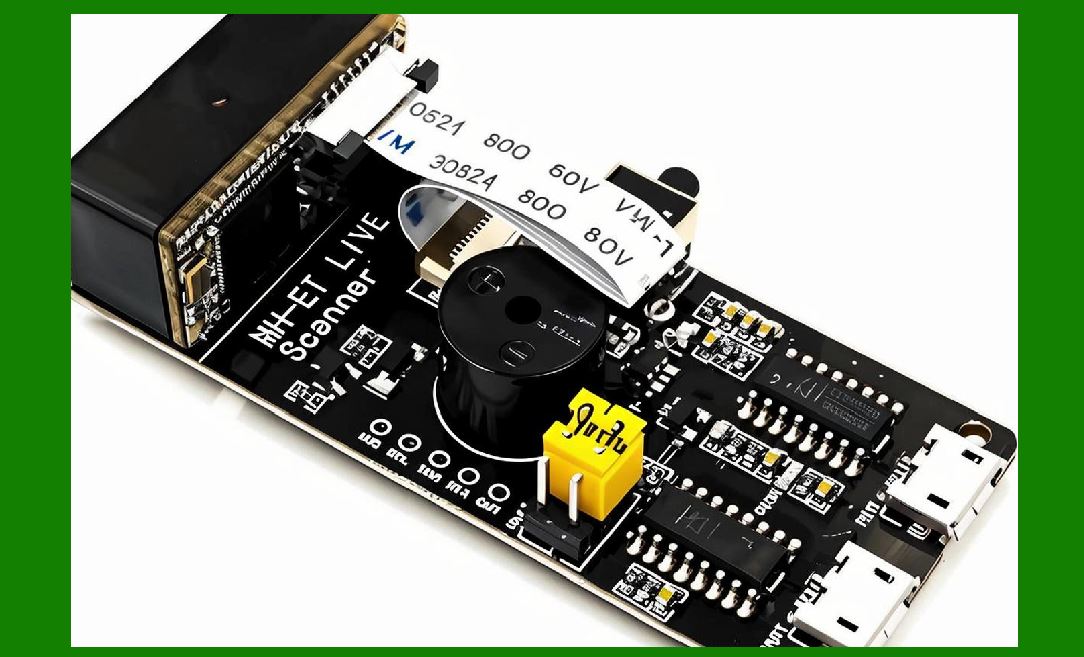
4.1 Major Power Consumers |
1. Light source (laser or LED) |
2. Image sensor or photodetector |
3. Microcontroller or processor |
4. Wireless communication modules |
4.2 Power Usage Patterns |
1. Active scanning mode |
2. Idle mode |
3. Sleep mode |
4.3 Power Consumption Optimization |
1. Efficient hardware components |
2. Optimized firmware |
3. Intelligent power management |
|
5. Power Modes and Energy Saving Techniques |
5.1 Active Mode |
1. Full operation |
2. Maximum power consumption |
5.2 Idle Mode |
1. Reduced activity |
2. Lower power usage |
5.3 Sleep Mode |
1. Minimal power consumption |
2. Fast wake-up capability |
5.4 Auto Power-Off |
1. Turns off device after inactivity |
2. Extends battery life |

|
6. Charging Technologies |
6.1 Wired Charging |
1. USB charging |
2. Docking stations |
6.2 Wireless Charging |
1. Inductive charging |
2. Contactless power transfer |
6.3 Fast Charging |
1. Reduces downtime |
2. Requires advanced battery management |

|
7. Docking Stations and Charging Cradles |
7.1 Functions |
1. Charging |
2. Data communication |
3. Device storage |
7.2 Design Considerations |
1. Stable connection |
2. Ease of use |
3. Durability |

|
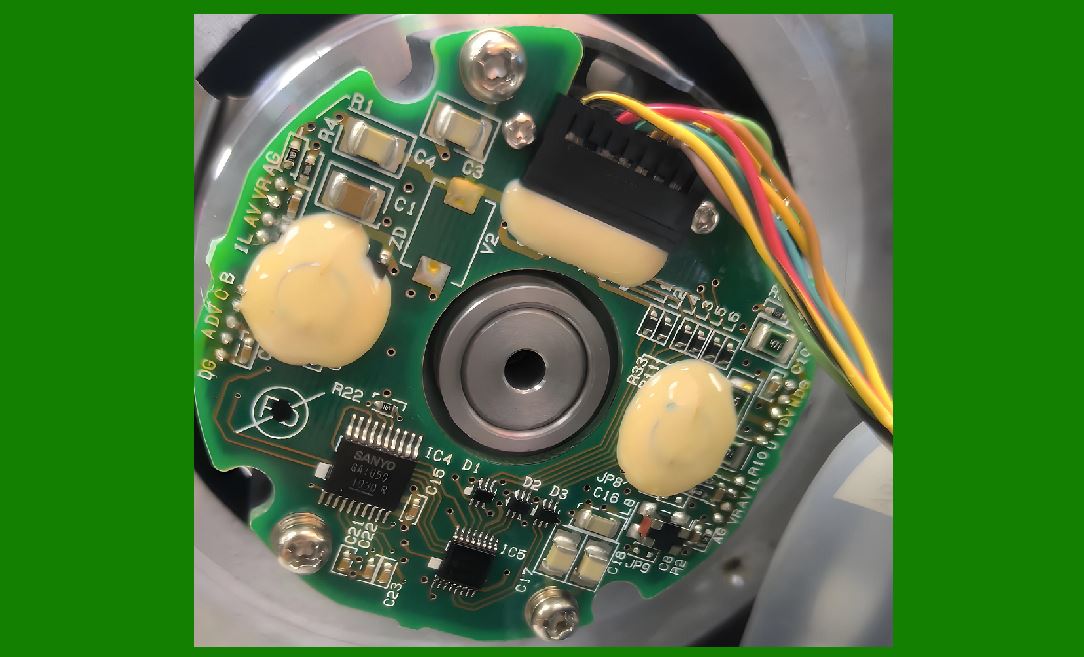
8. Power Regulation and Conversion |
8.1 Voltage Regulation |
1. Ensures stable power supply |
2. Protects sensitive components |
8.2 DC-DC Converters |
1. Convert voltage levels |
2. Improve efficiency |
8.3 Power Distribution |
1. Supplies power to different subsystems |
2. Ensures balanced load |
|
9. Thermal Management in Power Systems |
9.1 Heat Generation |
1. Occurs during operation and charging |
2. Affects performance and safety |
9.2 Cooling Techniques |
1. Passive cooling |
2. Heat dissipation through housing |
9.3 Thermal Protection |
1. Prevents overheating |
2. Ensures safe operation |

|
10. Energy Efficiency Strategies |
10.1 Hardware Optimization |
1. Low-power components |
2. Efficient sensors |
10.2 Software Optimization |
1. Efficient algorithms |
2. Reduced processing load |
10.3 Communication Optimization |
1. Minimize data transmission |
2. Use low-power wireless protocols |
|
11. Battery Life and Performance Metrics |
11.1 Battery Capacity |
Measured in mAh (milliampere-hours). |
11.2 Operating Time |
1. Continuous scanning time |
2. Standby time |
11.3 Charge Cycles |
1. Number of times battery can be recharged |
2. Affects long-term performance |
|
12. Environmental Factors Affecting Power Systems |
12.1 Temperature Effects |
1. Cold reduces battery efficiency |
2. Heat accelerates degradation |
12.2 Humidity |
1. Can affect electrical components |
2. Requires proper sealing |

|
13. Reliability and Maintenance of Power Systems |
13.1 Battery Maintenance |
1. Proper charging practices |
2. Avoid deep discharge |
13.2 Replacement and Upgrades |
1. Modular battery designs |
2. Easy replacement |
13.3 Monitoring and Diagnostics |
1. Battery health monitoring |
2. Usage tracking |
|
14. Future Trends in Power Systems |
14.1 Advanced Battery Technologies |
1. Solid-state batteries |
2. Higher energy density |
14.2 Energy Harvesting |
1. Using ambient energy sources |
2. Reducing reliance on batteries |
14.3 Smart Power Management |
1. AI-based optimization |
2. Predictive energy usage |
|
15. Summary of Part 10 |
In this section, we explored the power systems of barcode scanners: |
1. Power supply architectures (wired and battery-powered) |
2. Battery technologies and management systems |
3. Power consumption and optimization |
4. Energy-saving modes and techniques |
5. Charging methods and docking systems |
6. Power regulation and thermal management |
7. Battery performance metrics |
8. Environmental influences |
9. Maintenance and reliability |
10. Future trends in power technology |
Efficient power management is essential for ensuring reliable, long-lasting, and high-performance barcode scanning devices. |

|
Next Step |
In Part 11, we will explore: |
* Software architecture of barcode scanners |
* Firmware design and operating systems |
* Driver development and APIs |
* Integration with applications and cloud systems |
 cs@easiersoft.com