Chapter 19 Summary: The wand scanner represents the absolute minimum of what a barcode reader can be. It has no motor, no spinning mirror, no laser tube, and no firmware. This chapter examines how that radical simplicity translates into real-world value across industries where cost, durability, and the absence of failure modes matter more than speed or convenience. We survey applications in field inventory, small retail, healthcare backup workflows, library systems, and industrial environments where simpler is not just cheaper---it is more reliable. | 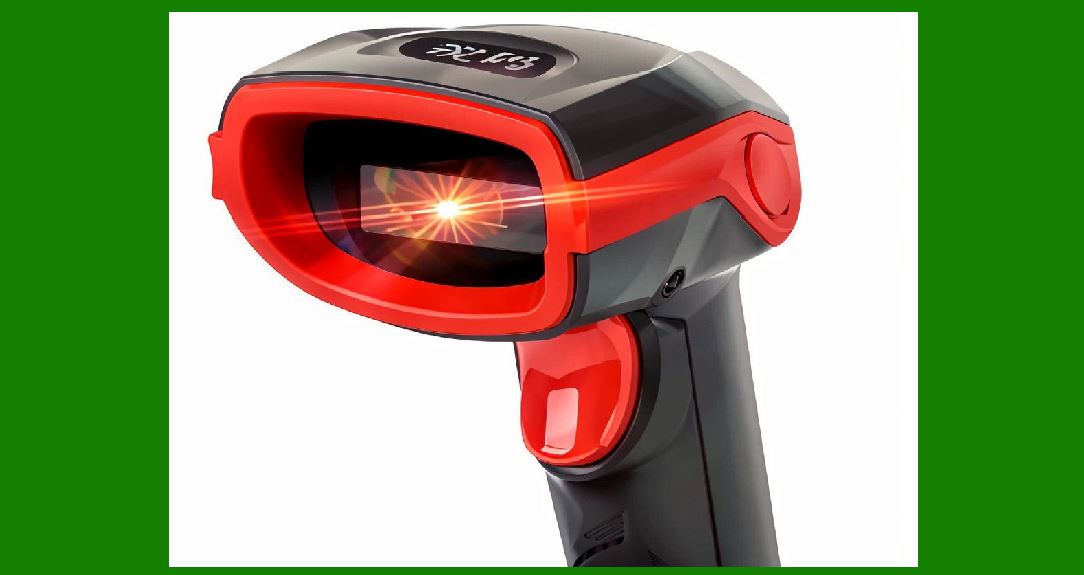
| Chapter 19. The Minimalist Circuit in Practice: Where the Wand Still Wins | 1. The Proposition Restated | The previous chapter established the electrical architecture of the wand scanner: a light-emitting diode, a photodetector, an amplifier, a comparator, and a decoder. That is the entire signal chain. There is no motor to spin a polygon mirror, no laser diode to degrade over thousands of hours of operation, and no embedded firmware that can hang, crash, or require a security patch. The wand is dragged across a barcode by human muscle, and the only thing that moves is the hand holding it. | This chapter moves from circuit principles to application reality. The question is not whether the wand is obsolete---in high-throughput retail and logistics, it clearly is. The question is where the wand's particular combination of attributes remains not merely acceptable but genuinely preferable. The answer lies in environments where the failure modes of more complex scanners are unacceptable, where volumes are low enough that speed does not constrain operations, and where the total cost of ownership must be measured in decades rather than product cycles. | 
| 2. Field Inventory and Asset Tracking: The Original Use Case | The wand scanner's first mass application was not at the supermarket checkout. It was in the field, where organizations needed to count things that were scattered across physical space: equipment in a hospital, parts in a warehouse, tools on a job site, or files in a records room. | A United States government technical report from the early era of portable barcode data collection documented field trials of wand-based inventory systems and found a telling pattern. The units were dropped, bumped, and exposed to conditions that would have destroyed a motorized scanner. Several units had internal parts break loose---the tone-emitting device had broken its glue bond---but the units 'did not fail to record'. The scanning function survived; the convenience features did not. That distinction matters. A wand scanner's core function is so electrically simple that it can survive mechanical abuse that would disable a device with moving parts. | The same report noted a persistent challenge: barcode labels on rough or heavily textured surfaces were difficult to scan because maintaining wand tip contact with the label became difficult. This is the wand's fundamental limitation---it requires physical contact and a reasonably flat, clean surface. But in asset tracking, that limitation is often manageable. The labels are applied by the same organization that scans them, and the surfaces are chosen with scanning in mind. | Modern asset tracking has largely migrated to smartphones and rugged handheld computers with camera-based scanning. But the wand persists in specific niches where the device must be permanently assigned to a location or a piece of equipment, where battery management is a burden, and where the scanning event is infrequent enough that a tethered, contact-based device is entirely adequate. A wand scanner connected by a coiled cable to a fixed terminal in a maintenance depot, for example, has no battery to charge, no wireless pairing to troubleshoot, and no operating system to update. It works when someone picks it up and drags it across a label, and it continues to work for years. | 
| 3. Small Retail and the Checkout Counter That Does Not Need Speed | The wand scanner's place in retail history is secure: it was the first scanner type to be widely adopted by retailers, and it remains the lowest-cost option. In the 1970s and 1980s, a pen scanner at the checkout was a revelation. It required the cashier to touch the tip to the barcode and drag it across, which was cumbersome for a can of soup but perfectly acceptable for a box of detergent. | That trade-off---cumbersome for curved surfaces, adequate for flat ones---still defines the wand's retail niche. In a high-volume supermarket, where thousands of items cross the scanner per hour and cashier time is measured in fractions of a second, the wand has no place. But in a small specialty shop, a boutique, a pharmacy counter in a rural town, or a temporary pop-up store, the calculus is different. The scanning event happens perhaps a few hundred times per day. The cashier is not racing a throughput target. The barcode is usually on a flat or gently curved package that the cashier can rotate to meet the wand tip. | In these settings, the wand's advantages compound. It has no motor to wear out, which means a shop that buys a wand scanner today may still be using it in a decade. It has no laser, which means there is no optical component to degrade or replace. It draws so little power that many wand designs are entirely passive, drawing their operating current from the host terminal through the interface cable. There is nothing to recharge and nothing to fail. | The wand also has a quiet advantage in environments where the scanner is exposed to the public. A tethered wand is difficult to steal and difficult to lose. A wireless handheld scanner, by contrast, is a small, valuable object that can walk away. For a small business operating on thin margins, the security of a permanently attached device is not a trivial consideration. | 
| 4. Healthcare: The Case for Redundancy and Simplicity | Healthcare is a domain where barcode scanning has become a patient safety imperative. Wristbands, medication labels, blood products, and laboratory samples are all barcoded, and scanning them at the point of care is a standard defense against identification errors and medication mistakes. The dominant technology in hospitals today is the wireless handheld imager, often integrated with a cart-mounted computer or a nurse's mobile device. | Yet the wand retains a role in healthcare, not as the primary scanning device but as a backup and a specialized tool. Hospitals are environments where equipment failure can have clinical consequences, and where the complexity of wireless infrastructure---Wi-Fi dead zones, battery failures, device management headaches---can interrupt care. A wand scanner connected by a cable to a workstation in a medication preparation area or a pharmacy dispensing station has no wireless dependency. It does not need to associate with an access point. It does not need a charged battery. It works when the network is down, when the device management server is unreachable, and when the primary handheld scanners are all checked out or broken. | The wand's contact-based operation is also an advantage in one specific healthcare context: scanning small, flat labels on medication packaging where the label may be curved around a vial or applied to a surface that a camera-based scanner struggles to resolve at the distance required for hands-free operation. The wand forces the user to bring the scanner to the label, which eliminates the aiming problem entirely. There is no 'point and hope' with a wand. You either make contact or you do not, and the feedback is immediate. | 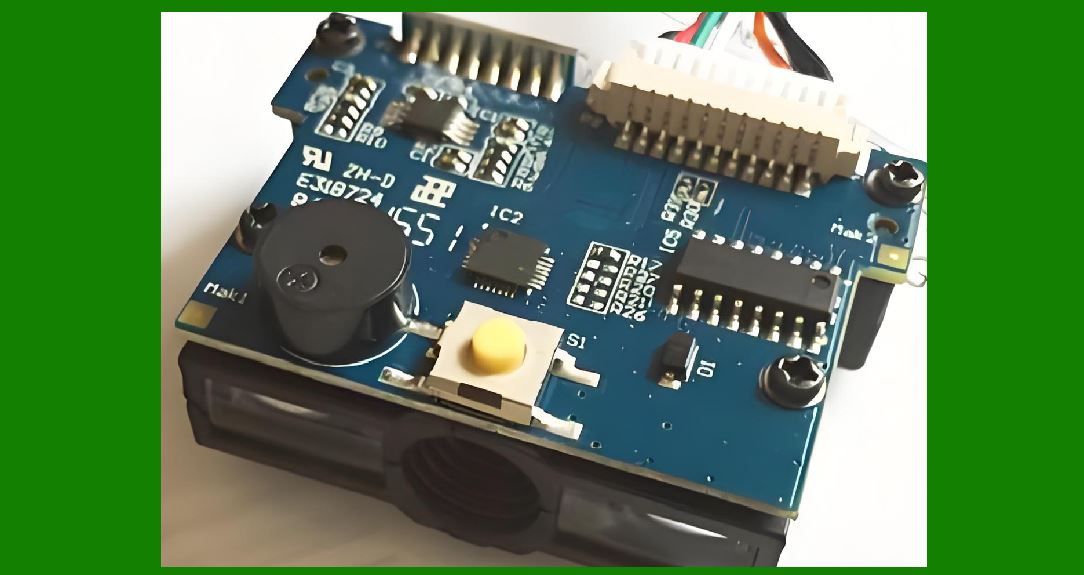
| 5. Libraries and Archival Systems | The library is one of the few environments where the wand scanner never really left. Library barcodes are applied to books, DVDs, and other materials by the library itself, which means the library controls label quality and placement. The labels are typically on the inside front cover or the first page, a flat and accessible surface. The scanning volume is moderate: a busy library might check out a few thousand items per day, but the transactions are distributed across multiple service points and staff members. | The wand's fit with library workflows is precise. A wand scanner at a circulation desk can be left on the counter, connected to the circulation terminal, ready to be picked up and dragged across a book's barcode. There is no battery to charge, no pairing to perform, and no firmware update that might interrupt service on a busy Saturday morning. When a library's circulation system is upgraded, the wand scanner almost always continues to work, because its output is a simple keyboard wedge---it types the barcode digits as if they were entered on a keyboard. The interface has been stable for decades. | The same logic applies to archival and records management. Organizations that need to track physical files, boxes, or artifacts can apply barcodes and use a wand scanner at a stationary workstation. The scanning is intermittent, the surfaces are controlled, and the device can remain in place for years without maintenance. | 
| 6. Manufacturing and Industrial Niches: Where the Environment Punishes Complexity | Manufacturing floors are hostile environments for electronics. Dust, coolant mist, vibration, temperature swings, and electromagnetic noise from welding and motor drives are all present. A scanner with a spinning polygon mirror and a precision optical assembly is vulnerable to all of these. A wand scanner, with its solid-state emitter and detector and no moving parts, is inherently more tolerant. | The wand's role in manufacturing is not on the high-speed assembly line, where fixed-mount laser or imager scanners read codes on passing products at rates that no human hand could match. The wand's role is in the maintenance shop, the tool crib, the receiving dock of a small job shop, and the inventory room where spare parts are stored in bins and drawers. In these locations, the scanning is done by a person who walks to the shelf, pulls a bin, and scans the label on the bin or the part. The wand is ideal for this because it can be dropped on the bench, covered in grease, wiped clean, and used again. There is no display to scratch, no touchscreen to crack, and no battery compartment to corrode. | A specific industrial advantage of the wand is its tolerance for imperfect labels on difficult surfaces. The government field report noted that labels on rough or textured surfaces were hard to scan because contact was difficult to maintain. This is a limitation, but it is also a diagnostic tool. If a wand cannot read a label, the label is genuinely bad, and the organization knows it needs to reprint or relocate the label. A camera-based scanner might read a marginal label under favorable lighting and fail under different conditions, creating intermittent, hard-to-diagnose errors. The wand's contact requirement forces label quality to be addressed at the source. | 
| 7. The Educational and Training Context | There is one more application domain worth noting, not because it is commercially significant but because it illustrates the wand's pedagogical value. The wand scanner is the most understandable barcode reader ever made. Its operation can be explained to a student or a technician in a few minutes: light goes out, light comes back, the pattern of dark and light becomes a voltage pattern, and the voltage pattern becomes numbers. There is no need to explain polygonal mirrors, raster scanning, image processing, or decoding algorithms that operate on two-dimensional pixel arrays. | In technical education and in training programs for retail and inventory staff, the wand is often the first scanner a learner encounters. It makes the invisible process of barcode reading visible and tangible. You can see the light spot on the label. You can hear the beep when the scan succeeds. You can feel the contact between the tip and the paper. The abstraction of 'photons to bits' becomes physical. | This educational role extends into the hobbyist and maker community, where wand-style scanners are sometimes salvaged from old equipment and repurposed. The interface is usually simple: power, ground, and a data line that produces a serial stream or a keyboard signal. A wand scanner can be connected to a microcontroller with a handful of components, which is not true of any modern imaging scanner. | 
| 8. The Limits That Define the Niche | It would be dishonest to discuss the wand's applications without acknowledging the boundaries of its usefulness. The wand requires contact, which means it cannot read a barcode on a moving conveyor, a pallet wrapped in plastic, or a product on a high shelf. It requires the user to orient the wand correctly relative to the bars, which means a barcode printed sideways on a package requires the user to rotate either the package or the wrist. It is slow compared to a laser or imager, and it produces no feedback until the scan is complete, so the user cannot 'aim' it. | These limits explain why the wand is not the default choice in any high-volume application. But they do not explain why the wand persists at all. The persistence comes from the other side of the ledger: the wand has no motor, no laser, no firmware, and no battery in many configurations. It has fewer things that can break, and the things that do break---the cable, the tip, the connector---are repairable or replaceable at low cost. In a world where the useful life of a wireless handheld scanner is often limited by battery degradation or software obsolescence rather than mechanical failure, the wand's ability to remain functional for decades is not a nostalgic curiosity. It is an engineering achievement. | 
| 9. Detailed Summary | The wand scanner's electrical simplicity produces a set of characteristics that are valuable in specific, well-defined application contexts. This chapter has surveyed those contexts and the reasons the wand remains a rational choice within them. | In field inventory and asset tracking, the wand's lack of moving parts allows it to survive drops and bumps that disable motorized scanners, and its tethered, often unpowered operation eliminates battery management as a failure point. In small retail, the wand's low cost, durability, and theft resistance make it appropriate for low-volume checkout environments where scanning speed is not a constraint. In healthcare, the wand serves as a reliable backup to wireless imaging scanners, operating independently of network infrastructure and battery state in medication preparation and pharmacy areas. In libraries and archives, the wand's keyboard-wedge interface and contact-based operation align naturally with stationary circulation desks and controlled label quality. In manufacturing and industrial settings, the wand's tolerance for dust, vibration, and temperature variation makes it suitable for tool cribs, maintenance shops, and spare-parts inventory where high-speed scanning is unnecessary. Finally, in education and training, the wand's transparent operation makes it the ideal device for teaching the fundamentals of barcode scanning. | The common thread across all these applications is not that the wand is better in any absolute sense. It is that the wand is sufficient, and its simplicity eliminates failure modes that matter more than speed in these specific environments. The motor that does not exist cannot fail. The laser that is not present cannot degrade. The firmware that was never written cannot crash. For low-volume, low-cost, long-life applications, that remains a compelling proposition. |
|
 cs@easiersoft.com