Chapter 18: The Second Eye --- Monitoring Photodiode Feedback and Illumination Stability in Wand Scanners |
Summary of This Chapter |
This chapter examines a deceptively simple addition to the minimalist wand scanner circuit: a second photodiode dedicated not to reading barcodes, but to watching the light source itself. In the previous chapters, we treated the illumination LED as a constant---a steady stream of photons that either bounced off a bar or a space and into the read photodiode. In reality, that stream is anything but constant. It weakens as the LED junction heats up during a long shift. It dims gradually as the phosphor or encapsulant ages. It shifts subtly as the battery drains or the ambient temperature swings from a cold warehouse dock to a warm retail back room. The monitoring photodiode closes a feedback loop that corrects for these drifts, turning a blind emitter into a regulated source. Through examples drawn from libraries, small retail, field service, and legacy industrial settings, this chapter shows why this second photodiode mattered far more in practice than its modest cost and board space would suggest. |
|
1. The Problem the Second Photodiode Solves |
Every light-emitting diode is a victim of its own success. The same current that produces photons also produces heat at the junction. That heat, in turn, reduces the efficiency of photon generation. As the junction temperature rises from a comfortable twenty-five degrees Celsius to the far hotter temperatures found inside a sealed scanner housing during a long shift, the light output for a given drive current can fall substantially. One industry analysis of LED behavior in machine vision notes that even new LEDs, as they heat from room temperature to ninety degrees, can lose up to forty percent of their brightness . For a wand scanner dragged across a stack of library books for hours, that loss is not a theoretical concern. It is the difference between a clean read and a frustrated librarian. |
The problem does not end with temperature. Over months and years, the LED die itself degrades. The transparent encapsulant yellowing, the phosphor converting less efficiently, the bond wires developing subtle resistance---all of these conspire to reduce output at the same drive current. In a fixed-mount industrial scanner, technicians sometimes notice this as a gradual decline: the scanner that once read a barcode at four inches now requires the operator to press it to within two inches. The light looks 'on,' but it no longer carries enough energy to produce a robust signal at the read photodiode. |
In a wand scanner, these two effects---thermal droop during a shift and long-term aging across a product lifetime---compound with a third: battery voltage. A wand scanner is typically a low-cost, un tethered device, often powered by a disposable battery or a modest rechargeable cell. As that cell discharges, the forward voltage available to the LED changes, and without regulation, the drive current falls. The light dims. The user presses harder or drags slower, compensating unconsciously for a problem that a few cents of additional circuitry could have solved automatically. |

|
2. The Architecture of the Feedback Loop |
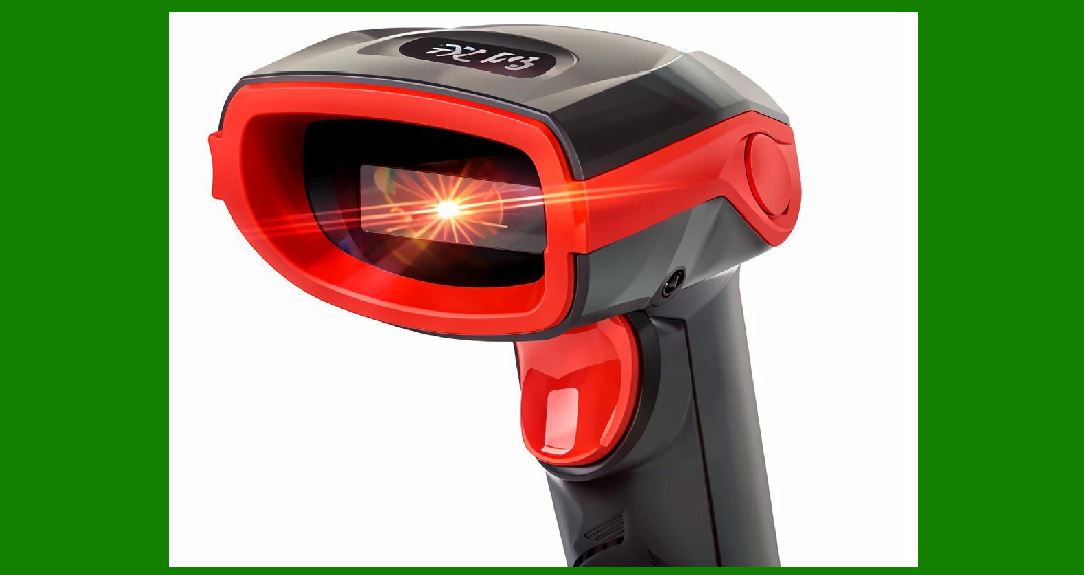
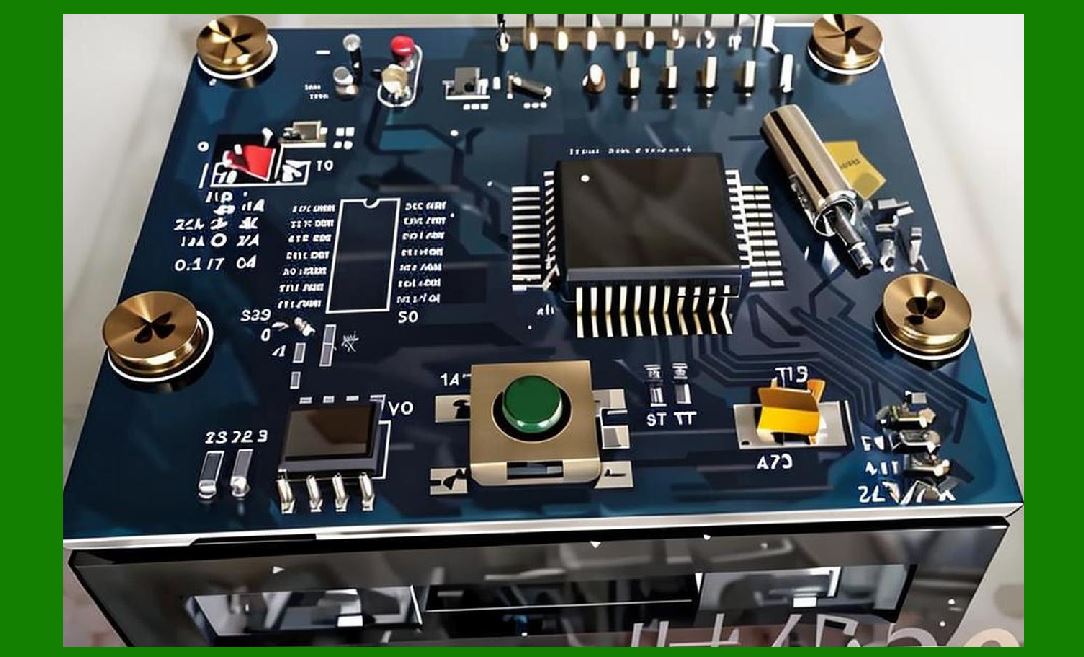
The feedback architecture is elegant in its simplicity. A second photodiode is placed inside the scanner housing, optically coupled to the illumination LED but shielded from the barcode and the ambient environment. It sees the LED directly, not the reflected light from the label. Its photocurrent is therefore a direct proxy for the LED's output intensity at any given moment. |
This photocurrent is converted to a voltage and compared against a reference. If the LED dims, the monitor photodiode current falls, the error amplifier detects the difference, and the drive circuit increases current to the LED until the monitor signal returns to the reference level. If the LED brightens---say, because the scanner has just been brought in from a cold loading dock into a warm office---the loop reduces drive current to keep the output steady. |
The principle is nearly identical to the monitor photodiode arrangements found in laser-based scanners of the same era. In those designs, a monitor photodiode inside the laser package detects changes in output power and sends a feedback signal to an error amplifier, which adjusts the drive current through a transistor to maintain constant optical output . The wand scanner's implementation is less precise, because the LED is not a coherent laser and the optical coupling is less controlled, but the circuit logic is the same: measure the source, compare to a target, correct the drive. |
What makes this noteworthy in the context of the minimalist wand scanner is the cost calculus. A wand scanner is the cheapest class of barcode reader on the market, often selling for less than the cost of a modest dinner . Adding a second photodiode, a reference divider, and a small error amplifier adds perhaps a few cents to the bill of materials in high volume. Yet that few cents buys a level of consistency that separates a toy from a tool. |
|
3. Libraries: The Quiet Case for Stable Illumination |
The library is perhaps the most natural home for the wand scanner. A librarian checking in a stack of returned books does not want to aim a laser at each barcode, carefully avoiding the adjacent labels on the same cover or the fine print on the due-date slip. A wand scanner, dragged across the barcode in a single smooth motion, is faster and less error-prone for this specific task. The Unitech MS100, a representative modern wand scanner, is explicitly marketed for library check-in and check-out, along with small-business inventory and government ballot tracking . |
Consider what happens in a library over the course of a day. The scanner sits on a desk, perhaps near a window. In the morning, the room is cool. By afternoon, the heating system has been running for hours, and the scanner has been in near-continuous use during a busy return period. Without feedback, the LED dims as its junction temperature climbs. The librarian, noticing that reads are becoming intermittent, might press the wand harder against the paper or drag it more slowly. This changes the dynamics of the scan---the speed at which the barcode passes the photodiode---and can introduce new errors. The librarian might also simply assume the barcode is damaged or the paper is glossy. |
With a monitoring photodiode, the LED output remains constant across that temperature swing. The scan speed that worked at nine in the morning still works at four in the afternoon. The librarian does not need to develop an unconscious compensation strategy. The scanner behaves the same way at the end of the shift as it did at the beginning. For a library with hundreds of check-ins per day, that consistency translates directly into reduced staff frustration and fewer manual keying corrections. |
The library case also illustrates the aging benefit. A public library might keep its wand scanners in service for five or even ten years, long past the point where the LED has lost a meaningful fraction of its original output. A scanner without feedback would gradually become less tolerant of imperfect technique or worn barcodes. A scanner with feedback compensates for the LED's decline by increasing drive current, maintaining the same optical output until the LED reaches the end of its usable life. The librarian experiences not a gradual degradation, but a sudden failure when the LED finally gives out---which is, from a maintenance perspective, a far preferable failure mode. A scanner that works perfectly and then stops is easier to manage than one that slowly becomes unreliable, generating a stream of unexplained errors that erode trust in the tool. |

|
4. Small Retail and Light Inventory: The Battery Constraint |
The wand scanner's second natural habitat is the small retail shop or the back office of a modest business, where inventory counts are occasional and budgets are tight. Here the scanner is often battery-powered, used for a few hours at a time, then set aside for days or weeks. The battery may be a standard disposable cell or a small rechargeable pack that is charged irregularly. |
In this environment, the monitoring photodiode serves a different but equally important function: it decouples the LED's brightness from the battery's state of charge. A fresh alkaline cell might deliver a slightly higher voltage than a partially discharged one. Without feedback, the LED would be brighter on a fresh battery and dimmer as the cell wears down. The user might notice that scans are crisper right after a battery change, then become slightly less reliable over time---a subtle cue that the battery is nearing replacement, but an unreliable one, because it depends on the user's memory of how the scanner felt weeks ago. |
With feedback, the drive circuit adjusts to maintain constant LED output as the battery voltage declines. The scanner performs identically on day one of a battery and on the last day before the low-battery indicator appears. This is particularly valuable in small retail, where the person using the scanner may be the owner, a part-time employee, or a seasonal temp who has never used a wand scanner before. There is no learning curve for battery behavior, no folk wisdom about 'changing the battery when scans start missing.' The tool simply works until the battery is depleted, and then it stops. |
The feedback loop also protects against a more subtle failure mode: overdriving the LED. In a simple resistive drive circuit, a fresh battery can push more current through the LED than it strictly needs, accelerating aging and, in extreme cases, causing premature failure. The monitoring photodiode loop naturally limits the drive current to whatever is required to hit the target output, extending the LED's useful life. For a device that might be expected to last through several years of intermittent use, this gentle handling of the light source is a quiet but meaningful contributor to longevity. |
|
5. Field Service and Government Applications: Consistency Under Adverse Conditions |
The wand scanner's third niche is one where conditions are less controlled: field service, government offices, and mobile data collection. A utility meter reader, a parking enforcement officer, or a government clerk processing ballots may be working in a vehicle, at a curbside, or in a temporary office with unreliable heating or cooling. The scanner may move between a hot car and a cold building multiple times in a single shift. |
Temperature cycling is particularly hard on LED output. Each transition from cold to hot and back again shifts the LED's efficiency curve. Without feedback, the scanner's read reliability would vary with the ambient temperature in ways that are invisible to the user. A scan that succeeds in the warm vehicle might fail at the cold curbside, not because the barcode is different or the technique is worse, but simply because the LED is emitting less light at the lower temperature. The user, unaware of this invisible variable, might blame the barcode, the label, or their own technique. |
A monitoring photodiode loop eliminates this variable. The LED output is held constant regardless of ambient temperature, battery state, or the accumulated thermal history of the device. For a government application like ballot entry tracking, where the scanner might be used by dozens of different volunteers over the course of an election day, this consistency is essential. No volunteer should need to learn the scanner's thermal personality. The tool should behave identically at seven in the morning and ten at night, in a cold polling place and a warm back office. |
The field service case also highlights the diagnostic value of the feedback loop. In a scanner without monitoring, a dimming LED manifests as a mysterious decline in read rate. The technician in the field has no way to distinguish between a failing LED, a dirty lens, a weak battery, or a barcode that is simply harder to read. With a feedback loop, the drive current itself becomes a diagnostic signal. If the loop is working hard---driving the LED near its maximum rated current to maintain the target output---that is a clear indication that the LED has aged significantly and the unit should be scheduled for replacement. The feedback circuit, in other words, does not just stabilize performance; it provides an early warning of end-of-life. |

|
6. The Design Reality: Why Not Every Wand Scanner Has One |
Given the clear benefits, a reasonable question arises: why do many inexpensive wand scanners lack a monitoring photodiodeThe answer lies in the brutal economics of the lowest tier of the barcode scanner market. A wand scanner is often a commodity product, sold in high volume to buyers who make decisions primarily on unit price. The difference between a scanner with feedback and one without might be a dollar at retail, but in a market where the entire device sells for under fifty dollars, that dollar is a meaningful fraction of the bill of materials. |
There is also a manufacturing consideration. Adding a second photodiode requires precise optical alignment during assembly. The monitor photodiode must see the LED but not the barcode, and it must maintain that alignment through drops, vibration, and thermal expansion. In a high-volume, low-margin product, every additional assembly step and every additional alignment tolerance adds cost and yield risk. A design without monitoring is simpler to build and easier to get right on the first attempt. |
The consequence of this design choice is a bifurcation in the wand scanner market. At the very bottom, scanners without feedback are adequate for occasional, low-stakes use---a small shop counting inventory once a month, a hobbyist cataloging a personal collection. They are not adequate for the library that checks in five hundred books a day or the government office processing thousands of ballots. In those applications, the monitoring photodiode is not a luxury; it is the difference between a tool that can be trusted and one that must be constantly supervised. |

|
7. A Note on the Laser Scanner Parallel |
It is worth pausing to note that the wand scanner's monitoring photodiode is a humble cousin of a more sophisticated feedback system found in laser barcode scanners. In a laser scanner, the monitor photodiode is typically integrated into the laser package itself, and the feedback loop is essential not only for consistent read performance but for eye safety. Regulatory limits on laser output power are strict, and a failure in the feedback loop---a disconnected monitor diode, a failed error amplifier---could allow the laser to emit at dangerous levels. Laser scanner designs therefore include redundant safety circuits that shut down the laser entirely if the feedback loop appears to be malfunctioning . |
The wand scanner's LED poses no such safety hazard. Even a failed feedback loop and a fully overdriven LED will not produce dangerous optical power. The consequences of feedback failure are limited to degraded read performance and accelerated LED aging. This allows the wand scanner's feedback circuit to be simpler and less expensive than its laser counterpart. There is no need for window comparators, latching shutdown circuits, or redundant monitors. The design can be minimal because the stakes are modest. |

|
8. Detailed Summary |
The second photodiode in a wand scanner is a small component with an outsized role. It transforms the illumination LED from an open-loop emitter, subject to the whims of temperature, age, and battery voltage, into a regulated light source whose output is held constant by negative feedback. The circuit is conceptually simple: a monitor photodiode samples the LED's output, an error amplifier compares that sample to a reference, and the drive current is adjusted to minimize the difference. |
The practical benefits of this arrangement are most visible in applications where the scanner is used intensively over long periods. In libraries, the feedback loop maintains consistent read performance across the temperature swings of a busy day and compensates for LED aging over years of service. In small retail inventory, it decouples scan reliability from battery state, ensuring that a part-time employee with no scanner experience gets the same results on a fresh battery and a nearly depleted one. In field service and government data collection, it eliminates the invisible variable of ambient temperature, allowing the scanner to perform identically in a cold vehicle and a warm office. And as a diagnostic signal, the drive current itself provides an early indication of LED end-of-life, allowing maintenance to be scheduled rather than reactive. |
The design reality is that not every wand scanner includes this feature. The lowest-cost units omit the monitoring photodiode to shave pennies from the bill of materials and simplify assembly. The resulting scanners are adequate for occasional, low-stakes use but become unreliable under the conditions that define professional deployment: sustained use, temperature variation, and the expectation that the tool will work the same way tomorrow as it did today. The presence or absence of a second photodiode is, in this sense, a reliable marker of the intended market for a wand scanner. It separates the devices built to a price from the devices built to a standard. |
For the reader who has followed this book from photons to bits, the monitoring photodiode represents a broader principle that recurs throughout circuit design: the most important component in a system is sometimes the one that watches the system itself. The read photodiode tells the scanner what the barcode says. The monitor photodiode tells the scanner whether it can trust its own eyes. Without the second, the first becomes progressively less reliable, and the user is left to compensate for a failure they cannot see. With it, the wand scanner earns its place in the library, the stockroom, and the field---not because it is sophisticated, but because it is consistent. |
 cs@easiersoft.com