Part 43 The History, Engineering Systems, Printing Technologies, and Industrial Labeling Ecosystem of BIXOLON Co., Ltd. |
1. Introduction to BIXOLON in Barcode and POS Printing Systems |
1.1 |
BIXOLON Co., Ltd. is a South Korean manufacturer specializing in POS printers, mobile printers, and barcode label printing systems. The company is widely recognized for its strong presence in retail, hospitality, logistics, and transportation printing environments. |
1.2 |
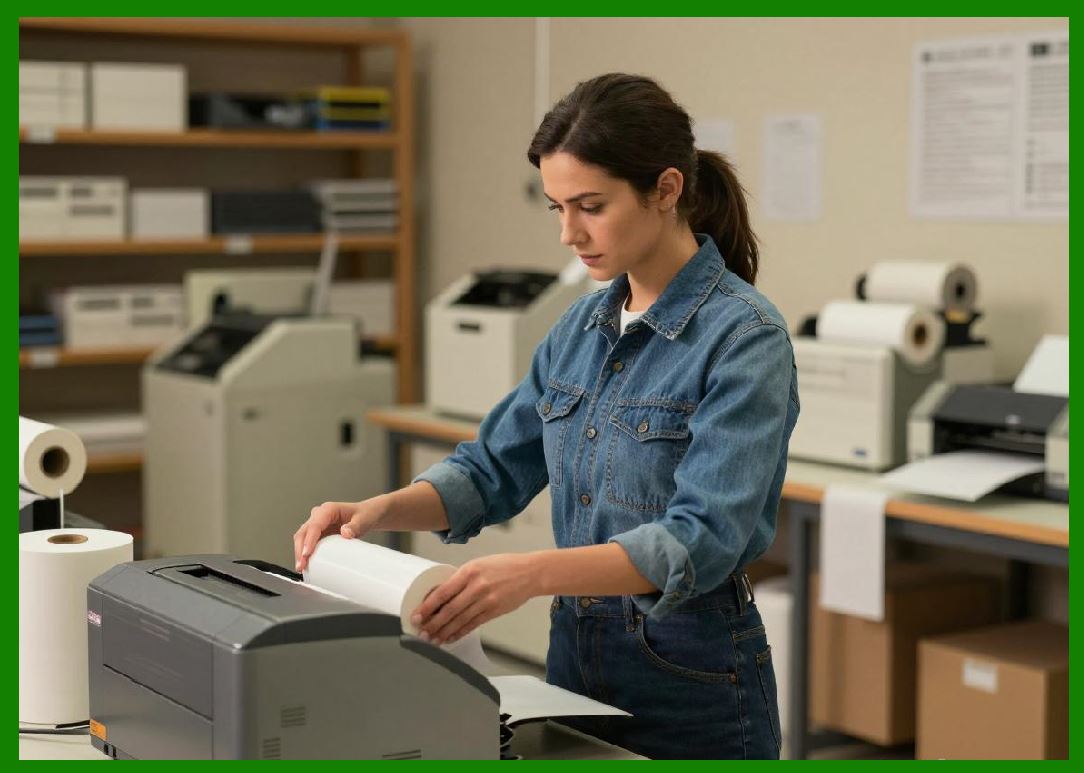
BIXOLON focuses on compact, high-speed, and reliable printing solutions designed for transaction-heavy environments such as retail checkout counters and warehouse operations. |
|
1.3 |
The company is particularly strong in POS receipt printing and mobile printing technologies, making it a key player in retail and logistics automation. |
1.4 |
BIXOLON systems are widely used in supermarkets, restaurants, delivery services, and warehouse management systems. |
1.5 |
Its engineering approach emphasizes speed, durability, and seamless integration with POS and mobile platforms. |
1.6 |
Today, BIXOLON continues expanding into cloud printing, mobile ecosystem integration, and smart retail technologies. |
|
2. Founding History and Corporate Development |
2.1 |
BIXOLON founding engineering team established BIXOLON in 2002 as a spin-off from Samsung printing division. |
2.2 |
The company inherited strong engineering expertise from Samsung printer development operations. |
2.3 |
BIXOLON initially focused on POS receipt printers for retail and hospitality industries. |
2.4 |
It rapidly expanded into barcode label printers and mobile printing systems. |
2.5 |
The company built strong international distribution channels, particularly in Europe and North America. |
2.6 |
BIXOLON became known for high reliability and cost-effective printing systems. |
2.7 |
Over time, it diversified into industrial barcode printing and wireless mobile printing. |
2.8 |
Today, BIXOLON is a globally recognized POS and labeling solutions provider. |
|
3. Thermal Printing Technologies and Engineering Systems |
3.1 |
BIXOLON printers are based on direct thermal and thermal transfer printing technologies. |
3.2 |
Direct thermal printing is widely used for receipts, tickets, and short-term labels. |
3.3 |
Thermal transfer printing is used for more durable barcode labeling applications. |
3.4 |
Engineering focuses on high-speed output and continuous operation reliability. |
3.5 |
Printhead systems are optimized for fast transaction environments. |
3.6 |
Media handling systems support compact and space-efficient designs. |
3.7 |
Thermal control ensures consistent print quality and barcode readability. |
3.8 |
BIXOLON systems are known for robustness in retail environments. |
|
4. Printer Product Families |
4.1 |
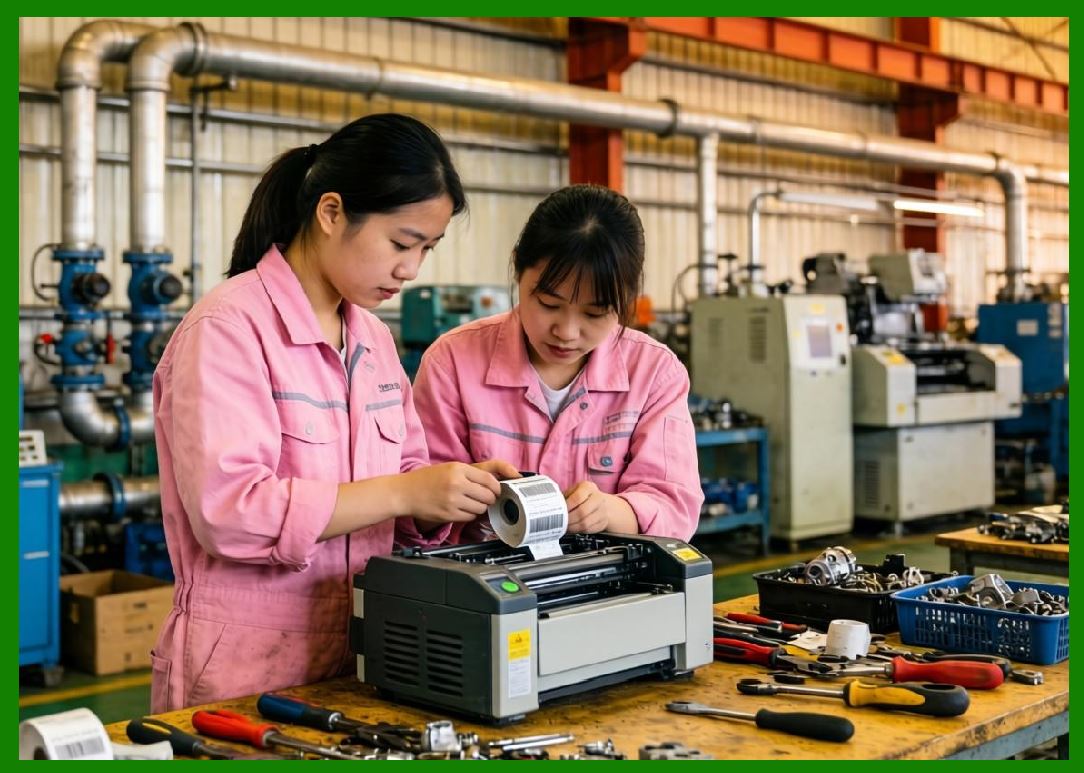
BIXOLON offers POS printers, mobile printers, and barcode label printers. |
4.2 |
POS receipt printers are widely used in retail and hospitality environments. |
4.3 |
Mobile printers support field logistics, delivery, and transportation workflows. |
4.4 |
Desktop label printers are used in retail and small warehouse environments. |
4.5 |
Industrial printers support higher-volume logistics applications. |
4.6 |
Devices support barcode formats including QR Code, Data Matrix, and GS1 standards. |
4.7 |
Printers are designed for seamless POS system integration. |
4.8 |
The product line emphasizes speed and operational simplicity. |
|
5. Mobile Printing and Wireless Systems |
5.1 |
A key strength of BIXOLON is its mobile printing technology. |
5.2 |
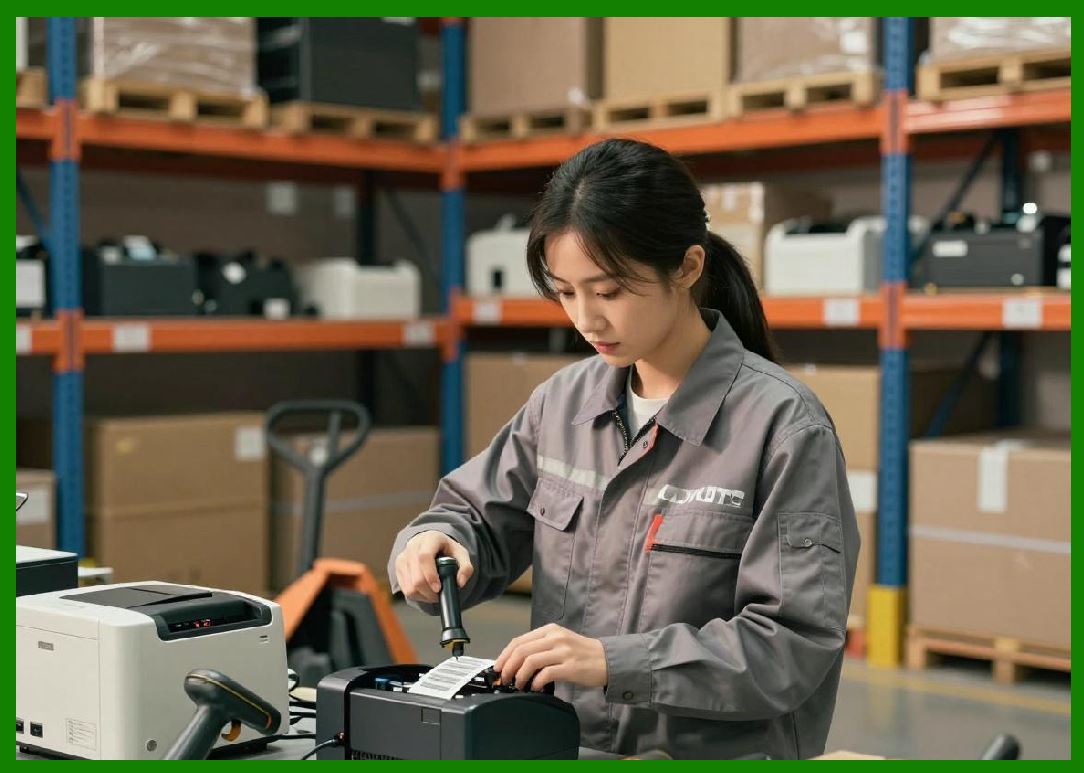
Mobile printers are widely used in delivery services, logistics, and field operations. |
5.3 |
Wireless connectivity includes Bluetooth, Wi-Fi, and NFC integration. |
5.4 |
Mobile devices enable real-time label and receipt printing in the field. |
5.5 |
These systems improve operational efficiency in transportation and warehousing. |
5.6 |
Battery-powered designs support long-duration field use. |
5.7 |
Mobile printing reduces dependency on fixed infrastructure. |
5.8 |
BIXOLON is a global leader in mobile POS printing systems. |
|
6. Software Systems and POS Integration |
6.1 |
BIXOLON provides software tools for label and receipt printing management. |
6.2 |
Drivers support Windows, Android, iOS, and Linux platforms. |
6.3 |
Integration with POS systems is a core design priority. |
6.4 |
Mobile SDKs enable application-level printing integration. |
6.5 |
Cloud printing systems are increasingly supported. |
6.6 |
Retail and logistics software integration is widely used. |
6.7 |
APIs allow developers to embed printing functions into applications. |
6.8 |
Software systems emphasize simplicity and cross-platform compatibility. |
|
7. Industrial Applications Across Global Markets |
7.1 |
Retail industries use BIXOLON printers for receipts and pricing labels. |
7.2 |
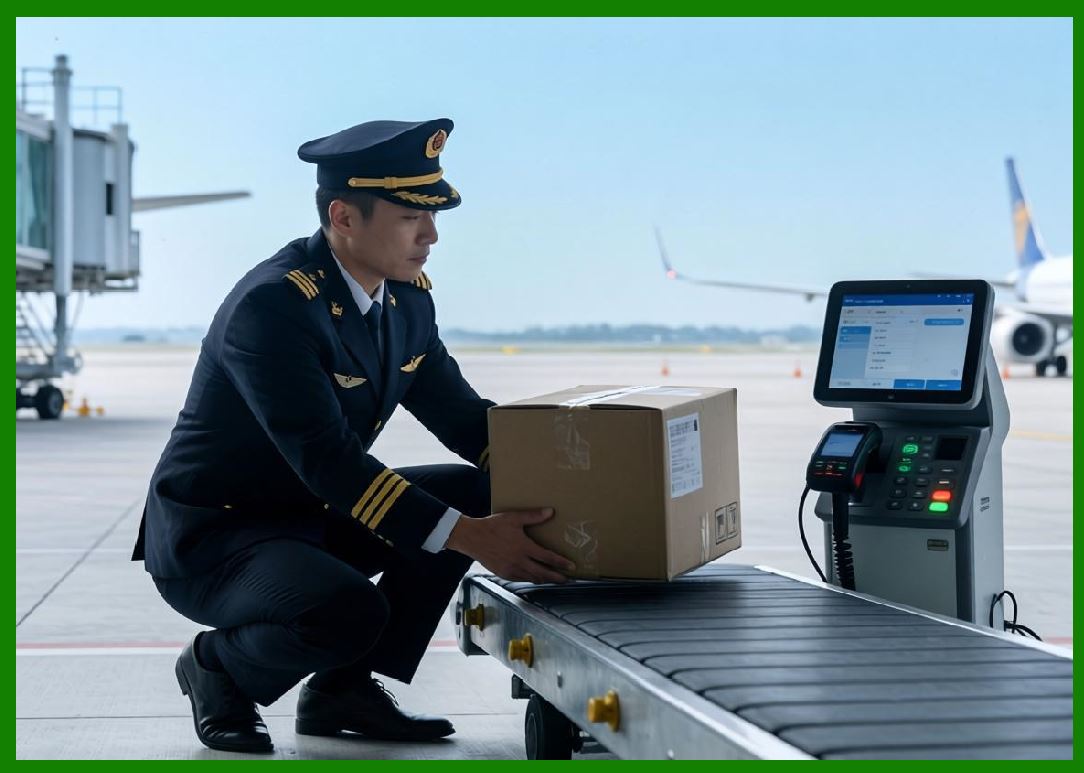
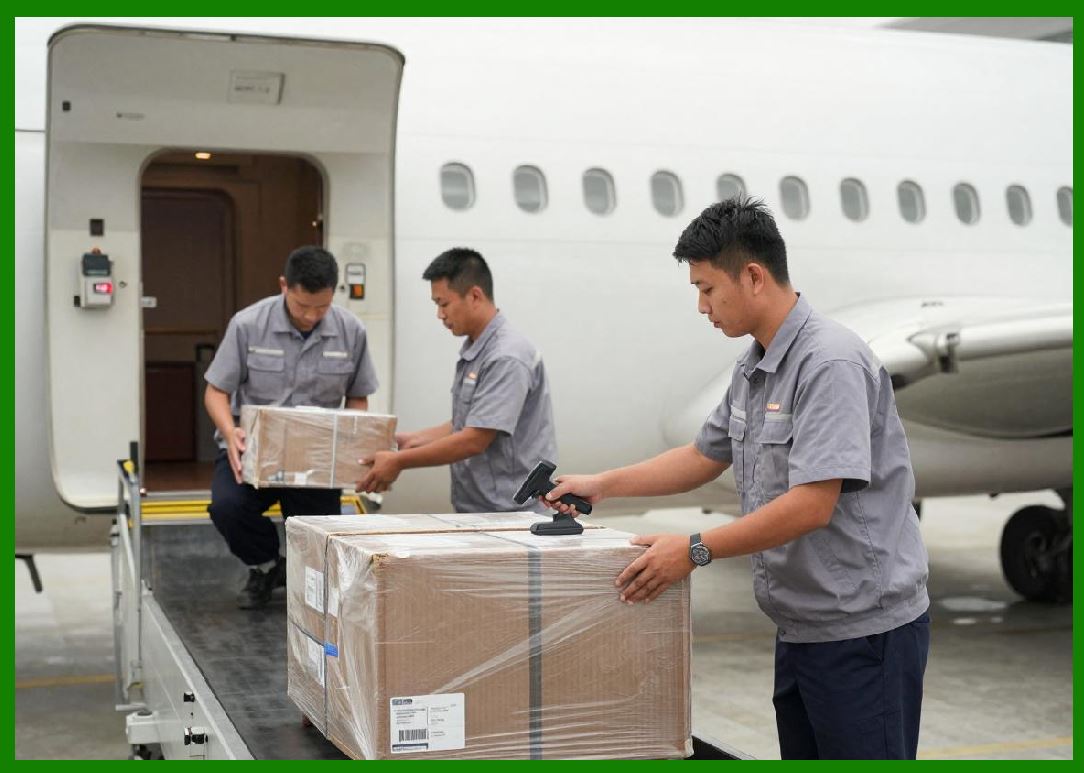
Logistics companies use barcode printers for shipping and tracking labels. |
7.3 |
Hospitality industries use POS printers for billing and ordering systems. |
7.4 |
Transportation industries use mobile printing for tickets and logistics tracking. |
7.5 |
Warehouse operations use barcode printers for inventory management. |
7.6 |
Healthcare systems use labeling systems for patient and specimen tracking. |
7.7 |
E-commerce businesses rely on BIXOLON for fulfillment labeling. |
7.8 |
BIXOLON is widely deployed in transaction-heavy environments. |
|
8. Competitive Positioning and Market Strategy |
8.1 |
BIXOLON competes with Zebra Technologies, Epson, Brother, Honeywell, and TSC. |
8.2 |
Its main advantage lies in POS printing and mobile printing specialization. |
8.3 |
The company focuses strongly on retail and logistics transaction systems. |
8.4 |
BIXOLON benefits from Samsung-origin engineering expertise. |
8.5 |
It emphasizes reliability, speed, and compact design. |
8.6 |
The company maintains strong global presence in POS markets. |
8.7 |
BIXOLON differentiates through mobile-first printing solutions. |
8.8 |
It remains a key global POS and mobile printing provider. |
|
9. Future Outlook and Technological Direction |
9.1 |
BIXOLON is expected to expand cloud POS printing systems. |
9.2 |
Mobile printing adoption will continue to grow globally. |
9.3 |
AI-assisted retail automation may be introduced in future systems. |
9.4 |
RFID integration will gradually expand into logistics applications. |
9.5 |
Sustainability initiatives will focus on energy-efficient printers. |
9.6 |
Integration with smart retail ecosystems will increase. |
9.7 |
Cybersecurity will become more important in connected systems. |
9.8 |
BIXOLON will continue focusing on mobile and POS printing leadership. |
|
Detailed Technical Content Summary |
This part provided a comprehensive technical and historical overview of BIXOLON Co., Ltd. and its role in POS printing, mobile printing, and barcode labeling systems. The article examined its origins as a Samsung spin-off and its evolution into a global leader in retail and logistics printing solutions. |
The discussion covered thermal printing technologies, POS receipt printers, mobile printing systems, wireless connectivity, and software integration. Significant attention was given to BIXOLON strength in mobile-first and transaction-focused environments. |
The article also explored POS system integration, cloud printing, logistics applications, and retail automation. Industries such as retail, hospitality, logistics, transportation, healthcare, and e-commerce were analyzed in depth. |
Finally, the article discussed BIXOLON competitive positioning, market strategy, and future direction involving cloud POS systems, mobile printing expansion, RFID adoption, smart retail integration, and next-generation transaction printing ecosystems. |
 cs@easiersoft.com