Part 21: High-Speed Printing Dynamics and Temporal Control Engineering |
1. Introduction to High-Speed Direct Thermal Printing |
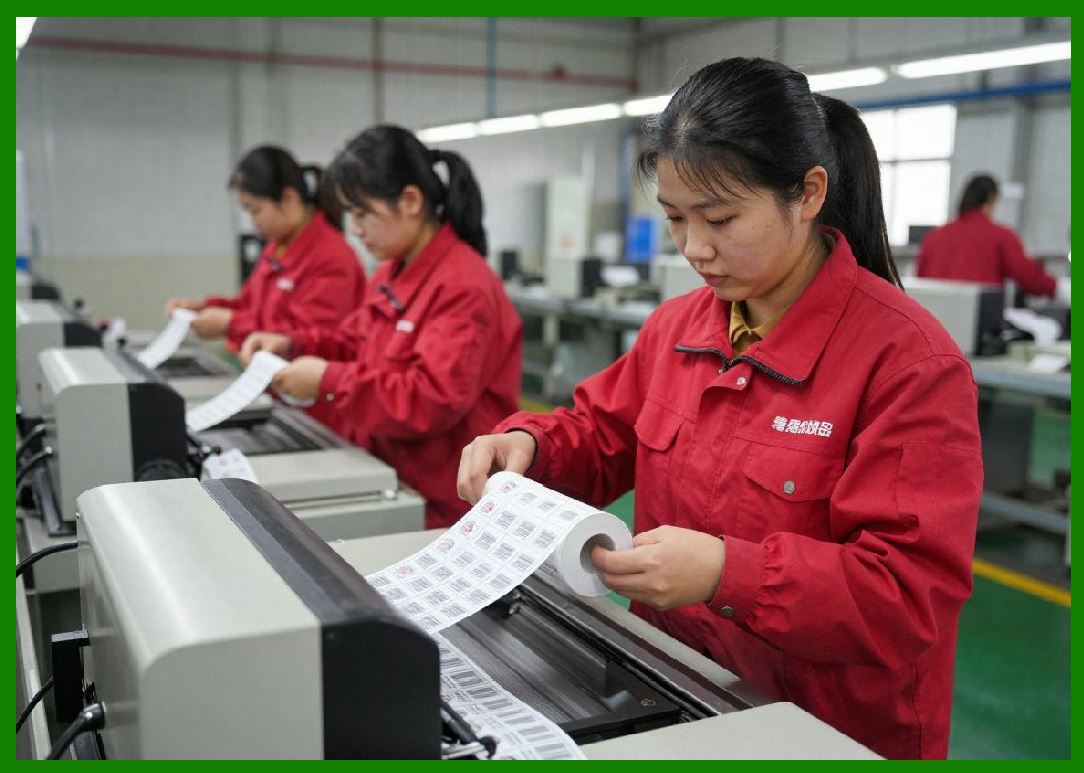
1. High-speed direct thermal printing refers to operating regimes where the printhead, paper feed system, and thermal reaction processes are pushed close to their physical and temporal limits. |
2. At these speeds, printing is no longer a simple sequential process but a tightly synchronized dynamic system where microsecond-level timing determines output quality. |
3. The engineering challenge is to maintain image fidelity, barcode accuracy, and system stability while minimizing the time available for each thermal reaction. |
|
2. Temporal Constraints in Thermal Reaction Systems |
1. Each printed dot requires a finite time window for heat transfer, chemical activation, and optical stabilization. |
2. At higher speeds, this time window shrinks significantly, forcing the system to operate near the minimum viable reaction threshold. |
3. If the thermal pulse duration becomes too short, incomplete chemical reactions occur, resulting in faint or unstable print output. |
4. If the system compensates with excessive energy, it risks thermal diffusion and loss of edge sharpness. |
5. High-speed printing therefore operates within a narrow temporal optimization band. |

|
3. Printhead Scanning Frequency and Pixel Timing |
1. The printhead operates as a high-frequency array of individually controlled heating elements. |
2. Each element must be activated at precisely timed intervals corresponding to paper movement speed. |
3. The synchronization between horizontal activation (printhead firing) and vertical motion (paper feed) defines pixel placement accuracy. |
4. Even microsecond-level timing deviations can result in visible artifacts or barcode distortion. |
5. Timing precision is therefore a core performance parameter in high-speed systems. |

|
4. Dynamic Thermal Pulse Modulation |
1. At high speeds, static energy delivery is insufficient to maintain consistent image quality. |
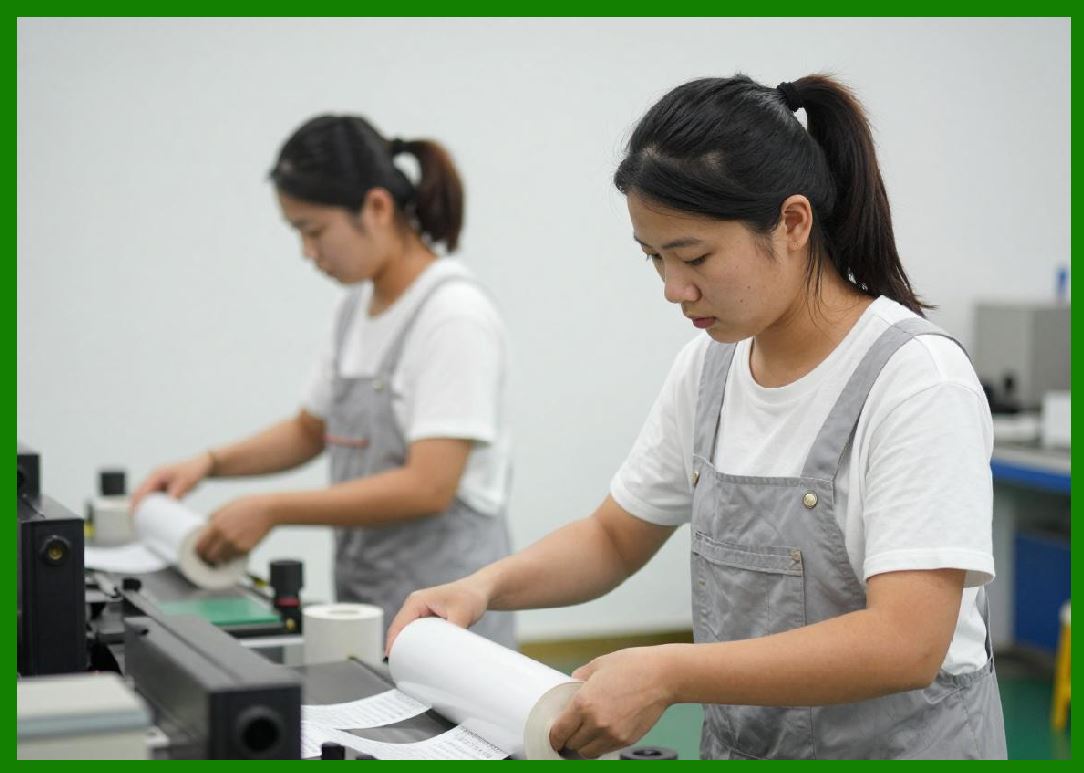
2. Dynamic pulse modulation adjusts energy output based on real-time system velocity and media response characteristics. |
3. Pulse width may be increased, reduced, or reshaped depending on required optical density. |
4. This ensures that each dot receives sufficient energy despite reduced exposure time. |
5. Pulse shaping also helps control thermal diffusion at high operating frequencies. |
|
5. Motion-to-Thermal Synchronization |
1. One of the most critical engineering challenges is synchronizing mechanical motion with thermal activation. |
2. The paper feed system moves continuously or in finely controlled incremental steps. |
3. The printhead must fire at exact spatial intervals that correspond to paper displacement. |
4. Any mismatch results in vertical stretching, compression, or misalignment of printed structures. |
5. Closed-loop encoders are often used to maintain this synchronization. |

|
6. Thermal Saturation and Heat Accumulation Effects |
1. At high printing speeds, heat does not fully dissipate between successive activations. |
2. This leads to thermal accumulation in the printhead, altering its effective baseline temperature. |
3. As the printhead heats up, less additional energy is required for subsequent activations. |
4. Without compensation, this causes progressive darkening of the print output over time. |
5. Adaptive thermal control systems continuously adjust energy levels to stabilize output. |

|
7. Banding Artifacts and Temporal Misalignment |
1. Banding is a common artifact in high-speed direct thermal printing. |
2. It occurs when slight timing inconsistencies repeat across multiple print lines. |
3. These inconsistencies may originate from motor vibration, clock drift, or thermal latency variations. |
4. Banding appears as horizontal stripes of inconsistent density or brightness. |
5. Advanced control systems use phase correction algorithms to reduce or eliminate banding. |

|
8. High-Frequency Electrical Driving of Printheads |
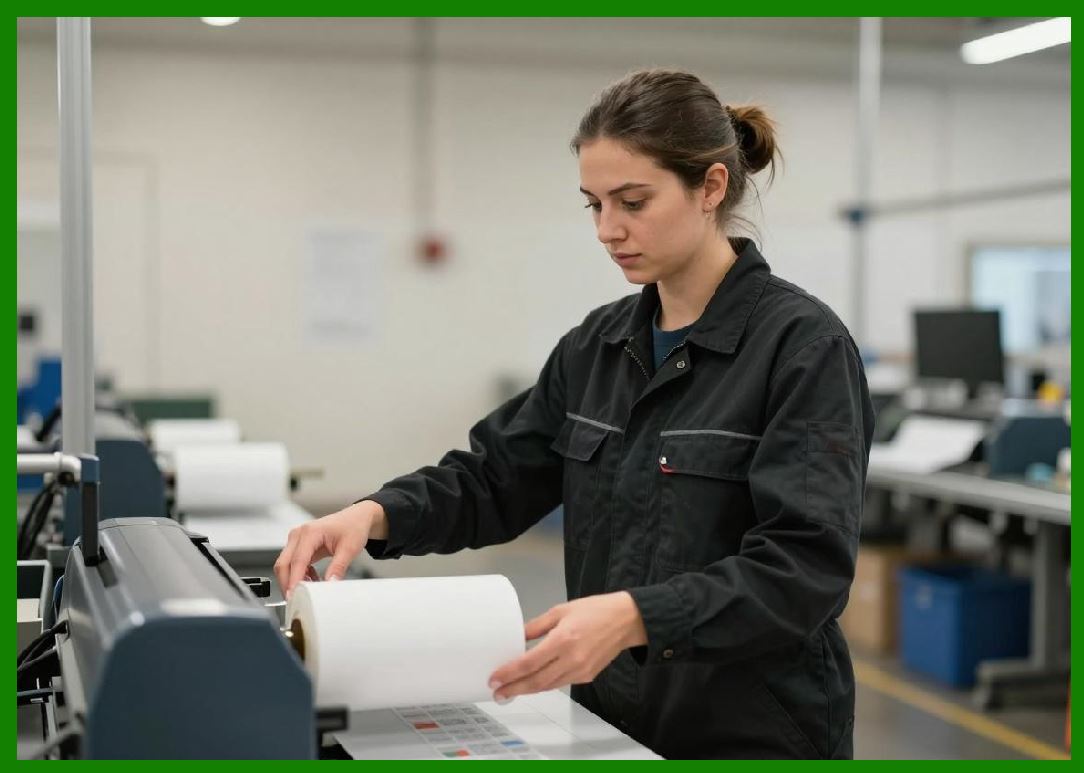
1. At high speeds, printheads operate at extremely high switching frequencies. |
2. Each heating element must rapidly cycle between off and on states with precise timing control. |
3. Electrical resistance, capacitance, and inductance within the circuit influence response speed. |
4. Signal integrity becomes critical as frequency increases, requiring careful PCB design and shielding. |
5. Electrical limitations often define the upper bound of printing speed. |
|
9. Data Throughput and Raster Stream Processing |
1. High-speed printing requires rapid transfer of large volumes of rasterized image data. |
2. The system must continuously feed pixel data to the printhead without interruption. |
3. Buffering systems are used to decouple data input speed from physical print execution speed. |
4. Any bottleneck in data throughput can cause visible gaps or missing lines. |
5. Efficient compression and pre-processing algorithms help maintain real-time performance. |

|
10. Latency Compensation in Real-Time Systems |
1. Latency in signal processing and mechanical response must be compensated for in advance. |
2. Predictive algorithms estimate future paper position based on current velocity and acceleration. |
3. Thermal firing commands are issued slightly ahead of actual physical position (look-ahead control). |
4. This ensures that heat activation aligns precisely with moving media. |
5. Latency compensation is essential for maintaining spatial accuracy at high speeds. |

|
11. Vibrational Dynamics and Mechanical Stability |
1. High-speed operation introduces mechanical vibration into the printing system. |
2. Vibrations can originate from motors, gear assemblies, or rapid paper movement. |
3. These vibrations affect both printhead positioning and paper stability. |
4. Micro-vibrations can cause subtle distortions in printed output. |
5. Mechanical damping systems and rigid frame design help reduce these effects. |

|
12. Thermal Response Lag and Material Inertia |
1. The thermal coating does not respond instantaneously to heat input. |
2. There is a finite delay between energy application and chemical reaction completion. |
3. At high speeds, this lag becomes a limiting factor in print clarity. |
4. Engineers must account for thermal inertia when designing pulse timing profiles. |
5. Failure to compensate leads to underdeveloped or smeared image structures. |

|
13. Multi-Lane Printhead Architectures |
1. Some high-speed systems use multi-lane printheads to increase throughput. |
2. Each lane operates as an independent thermal channel while remaining synchronized with others. |
3. This parallel processing approach increases effective print width and speed. |
4. However, it introduces additional complexity in alignment and calibration. |
5. Cross-lane consistency is essential to avoid visible striping or density variation. |

|
14. Speed vs. Quality Trade-Off Engineering |
1. There is a fundamental trade-off between printing speed and output quality. |
2. Increasing speed reduces available thermal reaction time, impacting density and sharpness. |
3. Improving quality often requires slower speeds or increased energy input. |
4. System design must balance these competing constraints based on application requirements. |
5. Industrial systems often implement adaptive modes to switch between speed-optimized and quality-optimized operation. |

|
15. Summary of High-Speed Printing Dynamics |
1. High-speed direct thermal printing is a highly synchronized temporal system where mechanical motion, electrical control, and chemical reaction kinetics must operate in perfect alignment. |
2. Performance is limited not only by hardware capabilities but also by timing precision, thermal physics, and data throughput efficiency. |
3. Advanced control systems use predictive algorithms, feedback loops, and dynamic compensation to maintain stability at extreme operating speeds. |

|
Technical Content Summary of Part 21 |
This part examined high-speed printing dynamics and temporal control engineering in direct thermal printing systems. It detailed how microsecond-level synchronization between printhead activation and paper movement is essential for maintaining image accuracy. |
Key topics included thermal pulse modulation, motion synchronization, heat accumulation effects, banding artifacts, and high-frequency electrical driving constraints. The section also covered raster data throughput, latency compensation, vibrational dynamics, and thermal response lag. |
Additionally, multi-lane printhead architectures and speed-versus-quality trade-offs were analyzed. Overall, this part demonstrated that high-speed direct thermal printing is fundamentally a temporal engineering problem requiring precise coordination of mechanical, electrical, and thermal subsystems. |
 cs@easiersoft.com