Barcode Technology

Barcode History

Barcode Label Paper

Barcode Printer

Barcode Application

Inventory Management

AI Barcode QRCode

Barcode Scanner

Barcode Software

Barcode Software B

Barcode Software C

Barcode Software D

Barcode Software E

New Technology A

New Technology B

Robot Technology

Barcode Types

Barcode Types B

Barcode Types C

Barcode Types D

Barcode Types E

Barcode Types F

Electronic Technology

Psychology at Work

Barcode Technology and Barcode Software Related   <<< Back to Directory <<<

AI changes work and life

Recommended: Free barcode software - Bulk barcode generator and label printing, Free for life. Download

Our work and life are undergoing a transformation due to AI.

AI is indeed transforming various aspects of our lives and work. Here are a few examples:

1. Workplace Automation:

AI is automating routine tasks, freeing up time for employees to focus on more complex and creative tasks.

2. Healthcare:

AI is being used in predicting diseases, personalizing treatments, and even assisting in surgeries.

3. Transportation:

Self-driving cars and drones are examples of AI in transportation, aiming to increase safety and efficiency.

4. Personal Assistants:

AI powers virtual assistants like Siri, Alexa, and Google Assistant, helping us with daily tasks, reminders, and information retrieval.

5. Data Analysis:

AI algorithms can analyze vast amounts of data to extract insights, trends, and patterns that can be used for decision-making.

The ever-evolving field of artificial intelligence not only brings numerous advantages but also prompts significant inquiries regarding privacy, job displacement, and ethical concerns that society is currently wrestling with.

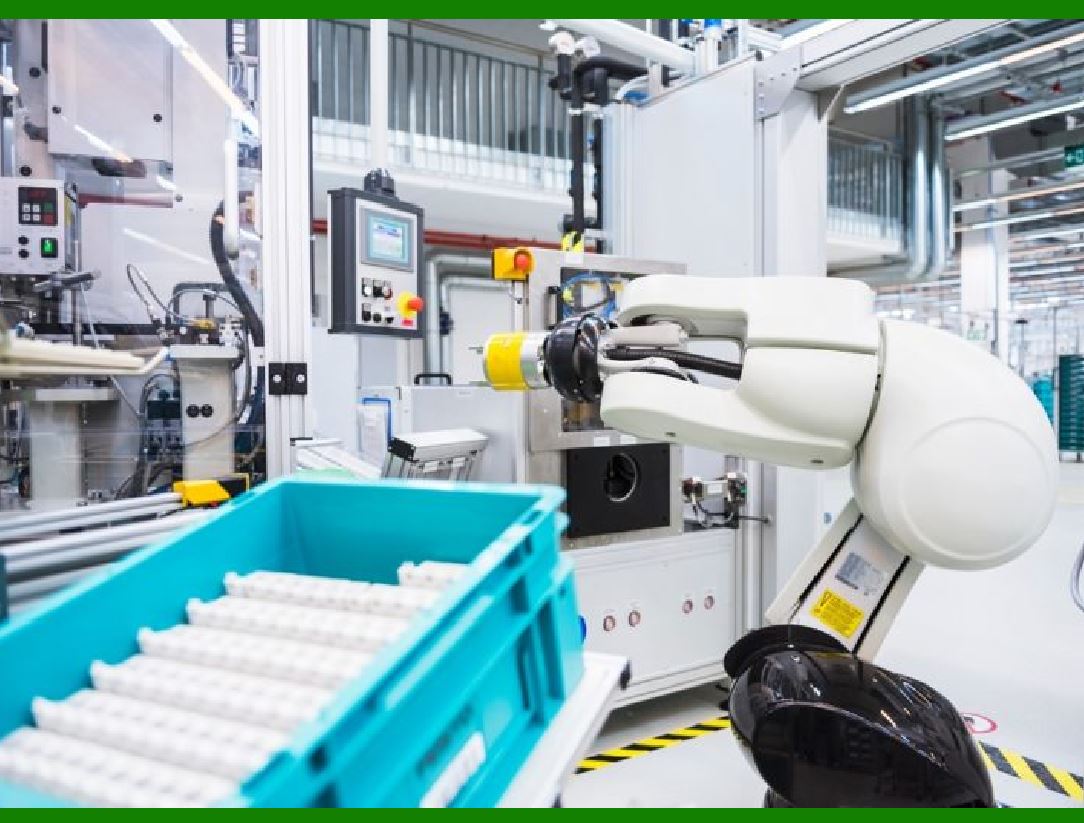
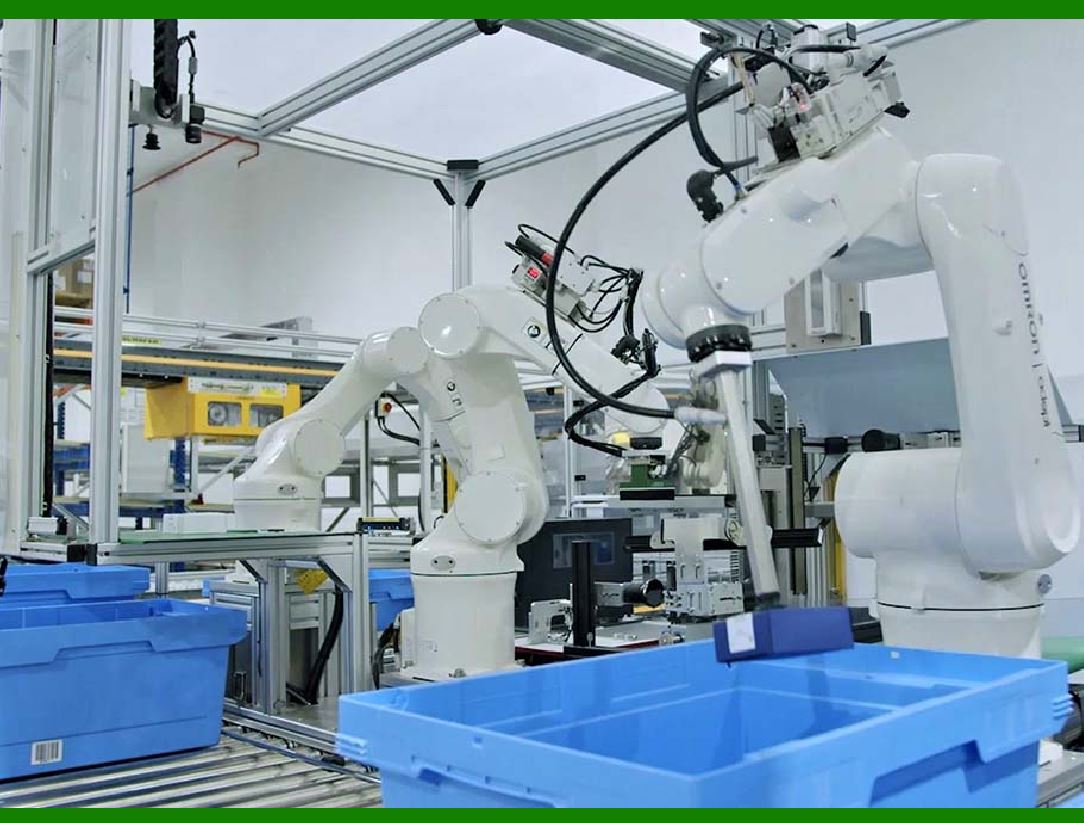
AI and automation are significantly impacting the workplace. Let's explore how they intersect and transform work:

Automation:

AI automates repetitive and mundane tasks, freeing up employees?time for more valuable work.

Examples of automation in the workplace include:

Chatbots: AI-powered chatbots handle customer inquiries.

Virtual Assistants: They schedule meetings, manage calendars, and perform administrative tasks.

Robotic Process Automation (RPA): Automates data entry and processing.

AI:

AI brings advanced data processing and analysis capabilities, enabling organizations to derive valuable insights from vast amounts of information.

It enhances decision-making processes, optimizes resource allocation, and improves overall efficiency.

For instance, AI can revolutionize employee onboarding and offboarding processes, making them seamless and hassle-free.

Workforce Transitions and Challenges:

As AI and automation continue to evolve, some occupations may decline, while others will grow or change.

Workers will need to acquire new skills and adapt to increasingly capable machines alongside them in the workplace.

Policy makers, companies, and individuals must address these workforce transitions and dislocation challenges.

AI and automation offer immense opportunities for businesses, economic growth, and societal progress. However, managing these changes effectively requires thoughtful planning and adaptation.


EasierSoft Barcode Label Design & Bulk Printing Software

---- Use Excel Data to Batch Print Barcodes on Label Sheets or Roll Labels  

---- How to use this barcode software

Download:  Free Barcode Software + Barcode Label Designer

Download Free Barcode Software at Softonic

     Download at CNET

Once you obtain a GS1/UPC/EAN barcode, or other barcode type and QR code, you can use our free software to batch print barcode labels onto Roll label paper using a professional label printer, or to batch print barcodes onto Avery 5160 label sheets using a regular laser or inkjet printer. Our software has free and paid versions.

The free version fully meets your needs for batch printing GS1/UPC/EAN barcodes. The paid version can import data from Excel and databases to batch print barcode labels with different values.

How to Start

Input Data

Import Excel Data

Print Barcode

Barcode Format

Label Designer

All Screen Shot

Export Barcode Image

Save Template

Output Word Excel

How to Use & FAQ:

Printing setup

Save settings

Serial number generator

The supported barcode types

Load Excel data (pro)

Manually copy data from Excel files

Filter some data for printing

Edit imported barcode data

Input data (Pro)

Label Designer

Edit data in Label designer

Label Designer - Add new label

Label Designer - Printing

Set the barcode label format to be printed

Other Barcode Label Format Settings

Barcode types supported by this program

Barcode Label Font Settings

Configuring the Barcode Print Rotation

Text Alignment for Barcode Labels

Automatically Adjusting Barcode Width

Text Beneath the Barcode

Configuring Barcode Size

Auto Calculate the Barcode Size

Export Barcode images

Export Barcode Image Format

File Names for Exported Barcode

Resolution of Exported Barcode Images

Fixed Folder for Exporting Barcode

Default Barcode Image Export Format

Print bulk barcodes quickly

Print barcodes to Avery 5160 label

How to bulk Barcode Printing

Sample - Avery 5162 (2x7) Label Sheet

Example: Print barcodes to 5*3cm roll

Example: Print barcodes to 5161 label

Example: Print barcodes to 5162 label

Example: Print barcodes to 5163 label

Example: Print barcodes to 5164 label

Example: Print portrait orientation 5164

Example: Print barcodes to 5167 label

Example: Print barcodes to 5168 label

Example: Print portrait orientation 5168

Example: Print barcodes to 5169 label

Example: Print barcodes to 5660 label

Example: Print barcodes to 5661 label

Example: Print barcodes to 5662 label

Example: Print barcodes to 5663 label

Example: Print barcodes to 5664 label

Example: Print portrait orientation 5664

Example: Print barcodes to 5873 label

Highlights

Excel integration: Import data directly from Excel to generate and print barcodes in bulk.

Label designer: Create complex labels with multiple barcodes, text, logos, and shapes.

Batch printing: Print thousands of barcodes at once using standard inkjet/laser printers or professional barcode printers.


Flexible editions:

Standard Edition: Simple batch printing with Excel data.

Professional Edition: Adds command-line automation for workflow integration.

Label Designer Edition: Advanced design features for complex labels.


Why Choose Our Barcode Solutions?

Cost-effective: Free online generator and permanent free desktop version available.

Easy to use: No technical expertise required—just input data and print.

Versatile: Supports nearly all 1D and 2D barcode types, including QR codes.

Trusted: Recommended by CNET and widely downloaded by users worldwide.


Suitable Use Cases

Small businesses and startups needing quick barcode labels for products.

Retailers and online sellers managing inventory with batch barcode printing.

Manufacturers requiring sequential or custom barcode labels for packaging.

Educational and testing environments where barcodes are used for tracking.


CONTACT

cs@easiersoft.com

If you have any question, please feel free to email us.


https://free-barcode.com


<<< Back to Directory <<<     Barcode Generator     Barcode Freeware     Privacy Policy